
Best Mobile App for Pool Technicians 2026

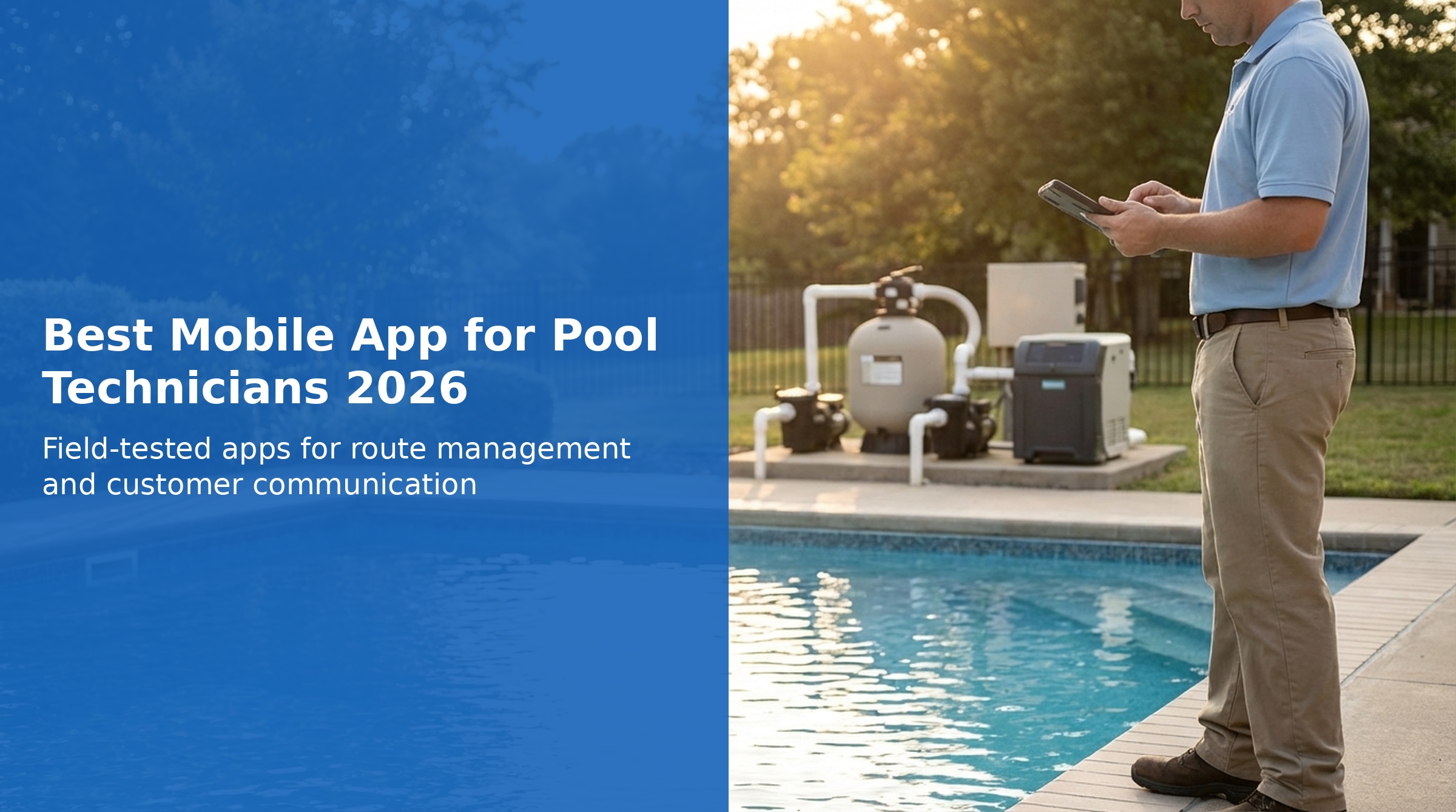
For pool technicians, a reliable mobile app is not just a convenience - it is essential to running an efficient service operation. Your phone is your office, your route map, your customer database, and your service log all in one. The right mobile app can save you hours each week, while the wrong one can leave you stranded at a job site without the information you need.
In 2026, the best pool service mobile apps go beyond basic scheduling. They work offline when cell service is spotty, provide turn-by-turn navigation between stops, calculate chemical dosages on the spot, and let you communicate with customers without leaving the app. We have tested the leading options to help you find the best mobile app for your pool technician workflow.
What to Look for in a Pool Technician Mobile App
Offline Functionality
Essential for rural areas or homes with poor cell reception. Your app should work without internet and sync when you are back online.
iOS and Android Reliability
The app should perform equally well on both platforms. Many apps favor iOS, leaving Android users with bugs and crashes.
Service Logging and Photos
Quick entry for water readings, chemicals added, and equipment status. Photo attachments for documenting issues.
Route Navigation
Built-in navigation or seamless integration with Google Maps or Apple Maps. One tap to get directions to your next stop.
Chemical Dosage Calculators
Calculate chlorine, acid, and other chemical amounts based on pool volume and current readings. Saves time and prevents errors.
Customer Communication
Send service reports, photos, and messages to customers directly from the app. Keep all communication in one place.
Quick Comparison: Best Mobile Apps for Pool Technicians
| # | App | Rating | Pricing | Mobile Strength |
|---|---|---|---|---|
| 1 | PoolDial Top Pick | $2/pool/mo | Full Offline + AI | |
| 2 | Skimmer | $1-2/pool/mo | Strong iOS App | |
| 3 | Jobber | $39-599/mo | Polished Mobile Experience | |
| 4 | Housecall Pro | $59-189/mo | Great Android/iOS | |
| 5 | GorillaDesk | $49-99/mo | Solid Mobile App | |
| 6 | Pool Brain | Enterprise | Feature-Rich Mobile |
Detailed Reviews: Best Mobile Apps for Pool Technicians

PoolDial
Full offline support with AI-powered features
PoolDial stands out as our top pick for pool technicians because it was designed mobile-first with field work in mind. The app works completely offline - you can view your route, log service details, take photos, and record chemical readings even without cell service. Everything syncs automatically when you reconnect.
The mobile experience is equally polished on both iOS and Android, addressing a common pain point with other pool apps. Built-in chemical dosage calculators let you determine exact amounts based on pool volume and current readings. One-tap navigation opens your preferred maps app with the next stop address already loaded.
What sets PoolDial apart is the included AI receptionist. When you are in the middle of servicing a pool and cannot answer your phone, the AI handles calls, captures lead information, and sends you a summary. This combination of reliable offline functionality and smart automation makes PoolDial the most complete mobile solution for pool technicians in 2026.
Mobile Strengths
- Complete offline functionality - works without internet
- Equally reliable on iOS and Android
- Built-in chemical dosage calculators
- One-tap navigation to next stop
- AI handles calls while you work
- Fast service logging with photo attachments
- Customer messaging within the app
Considerations
- Newer platform compared to established competitors
- Building integration ecosystem
- Smaller user community currently

Skimmer
Pool-specific app with excellent iOS experience
Skimmer has been a popular choice among pool professionals for years, particularly known for its excellent iOS app experience. The interface is clean and intuitive, with quick access to route views, service logging, and chemical tracking. Water test integrations with popular testing devices add efficiency to field work.
The iOS app is responsive and stable, with thoughtful features like dose tracking and equipment notes built specifically for pool service workflows. Photo documentation is straightforward, and service reports can be sent to customers directly from the app.
However, Skimmer's Android app has received criticism for stability issues and bugs. If your team uses mixed devices or you personally prefer Android, this could be a significant drawback. The recent price increase from $1 to $2 per pool for full features has also caused some users to explore alternatives. For iOS-focused teams, Skimmer remains a strong option.
Mobile Strengths
- Excellent iOS app experience
- Pool-specific interface and features
- Water test device integrations
- Clean, intuitive design
- Established user community
Considerations
- Android app has reported stability issues
- Offline mode limited compared to PoolDial
- Route optimization requires higher tier
- No AI features included
Jobber
Polished mobile experience for field service
Jobber offers one of the most polished mobile experiences in the field service industry. The app is well-designed, responsive, and works reliably on both iOS and Android. For pool technicians who want a professional-grade app interface, Jobber delivers.
The mobile app excels at core field service tasks: viewing your schedule, tracking time, collecting payments on-site, and communicating with customers. The GPS tracking and route views help you navigate your day efficiently. Client information and job history are readily accessible.
The main limitation for pool technicians is that Jobber is not pool-specific. You will not find built-in chemical calculators, water test logging, or pool equipment databases. These features can be approximated with custom fields, but require extra setup. The monthly pricing model ($39-599) may also cost more than per-pool options for larger routes.
Mobile Strengths
- Very polished, professional interface
- Reliable on both iOS and Android
- Strong scheduling and dispatch features
- On-site payment collection
- GPS tracking and route views
Considerations
- Not pool-specific (no chemical calculators)
- Limited offline functionality
- Monthly pricing may exceed per-pool models
- Requires custom setup for pool workflows

Housecall Pro
Reliable cross-platform mobile experience
Housecall Pro has earned its reputation with nearly 3,000 reviews and a 4.7 rating on Capterra. The mobile app works well on both Android and iOS, making it a safe choice for teams with mixed devices. The interface is modern and the app is regularly updated with improvements.
For pool technicians, the mobile app handles scheduling, dispatching, customer communication, and invoicing capably. The built-in payment processing lets you collect payment on-site. Review request automation helps build your online reputation without extra effort.
Like Jobber, Housecall Pro is a general field service platform rather than pool-specific software. You will miss features like chemical dosage calculators and water test logging that pool-focused apps provide. Offline functionality is also more limited than PoolDial's complete offline mode.
Mobile Strengths
- Reliable on both Android and iOS
- Thousands of positive reviews
- Modern, regularly updated interface
- On-site payment processing
- Review request automation
Considerations
- Not pool-specific
- Limited offline functionality
- No chemical calculators or water test features
- Monthly pricing adds up for larger operations

GorillaDesk
Solid mobile app for route-based services
GorillaDesk started in the pest control industry but has expanded to serve pool service and other route-based businesses. The mobile app is known for reliability and ease of use, with a 4.8 Capterra rating reflecting positive user experiences.
The route optimization features are particularly strong, which is valuable for pool technicians managing many stops per day. The mobile interface makes it easy to view your daily schedule, navigate to jobs, and mark work complete. Customer information and notes are readily accessible.
GorillaDesk is not built specifically for pool service, so it lacks chemical calculators and water test features. The flat monthly pricing ($49-99) can be more cost-effective than per-pool pricing for smaller routes, but may cost more for larger operations.
Mobile Strengths
- Reliable, easy-to-use mobile app
- Strong route optimization
- Works well on both platforms
- Good customer support
- Flat monthly pricing for smaller routes
Considerations
- Not pool-specific
- No chemical tracking or calculators
- Limited offline capabilities
- Pest control focus in some features

Pool Brain
Feature-rich mobile for larger operations
Pool Brain is an enterprise-focused pool service platform with a comprehensive mobile app. For larger operations with multiple technicians, the mobile app provides extensive features including detailed service logging, inventory management, and advanced reporting.
The app is pool-specific, meaning you get built-in chemical tracking, equipment databases, and pool-focused workflows. Technicians can access detailed pool information, service history, and customer notes in the field. Offline functionality is available for working in areas with poor connectivity.
The lower Capterra rating (3.9/5) partly reflects the complexity of an enterprise system - more features means more to learn. The enterprise pricing model with custom quotes makes Pool Brain less accessible for smaller operators, but for established businesses managing hundreds of pools, the mobile capabilities can justify the investment.
Mobile Strengths
- Pool-specific features and workflows
- Comprehensive service logging
- Offline mode available
- Advanced features for larger teams
- Detailed pool and equipment data
Considerations
- Enterprise pricing not transparent
- Steeper learning curve
- Complex for small operations
- Fewer reviews than alternatives
For pool technicians who need a reliable mobile app that works in the field, PoolDial is our top recommendation for 2026. Its complete offline functionality means you never lose access to your route, customer info, or service logging - even in basements, rural areas, or homes with poor cell service. The equal iOS and Android performance ensures your whole team has a consistent experience.
If you are already invested in the Apple ecosystem and prefer an established platform, Skimmer remains a solid choice with its excellent iOS app. For those who need general field service features beyond pool-specific tools, Housecall Pro offers proven reliability on both platforms with thousands of positive reviews.
Frequently Asked Questions
Why is offline mode so important for pool technicians?
Pool technicians frequently work at properties with poor cell reception - basements, rural areas, or homes with thick walls. Without offline mode, you may be unable to access your route, customer information, or service history. A good offline mode lets you continue working normally and syncs your data when you are back online.
Do pool service apps work better on iOS or Android?
Historically, many pool service apps were developed with iOS as the primary platform, leading to Android apps with more bugs and crashes. PoolDial, Jobber, and Housecall Pro are known for working equally well on both platforms. Skimmer is known for excellent iOS performance but has received criticism for Android stability.
Can I use a general field service app for pool service?
Yes, but with limitations. Apps like Jobber and Housecall Pro work well for scheduling, dispatching, and customer management. However, they lack pool-specific features like chemical dosage calculators, water test logging, and pool equipment databases. You can approximate these with custom fields, but pool-specific apps provide a more streamlined experience.
What is the best free mobile app for pool technicians?
Most professional pool service apps require paid subscriptions. However, many offer free trials (typically 14 days) to test the mobile experience before committing. PoolDial, Skimmer, Jobber, and Housecall Pro all offer trial periods. For long-term use, the value of saved time and increased efficiency typically justifies the subscription cost.
How important are built-in chemical calculators?
Very important for efficiency. Built-in calculators let you determine exact chemical amounts based on pool volume and current readings without leaving the app or doing manual math. This saves time at each stop and reduces dosing errors. Pool-specific apps like PoolDial and Skimmer include these; general apps like Jobber do not.