
Import & Export
Bring Your Customer Records With You
Import existing records as you move to PoolDial and export data to CSV when you need it. Get help with the move so you can build on the business you already have.


Trusted by customers around the world
Trusted By



As Featured On



Move From the Tools You Know
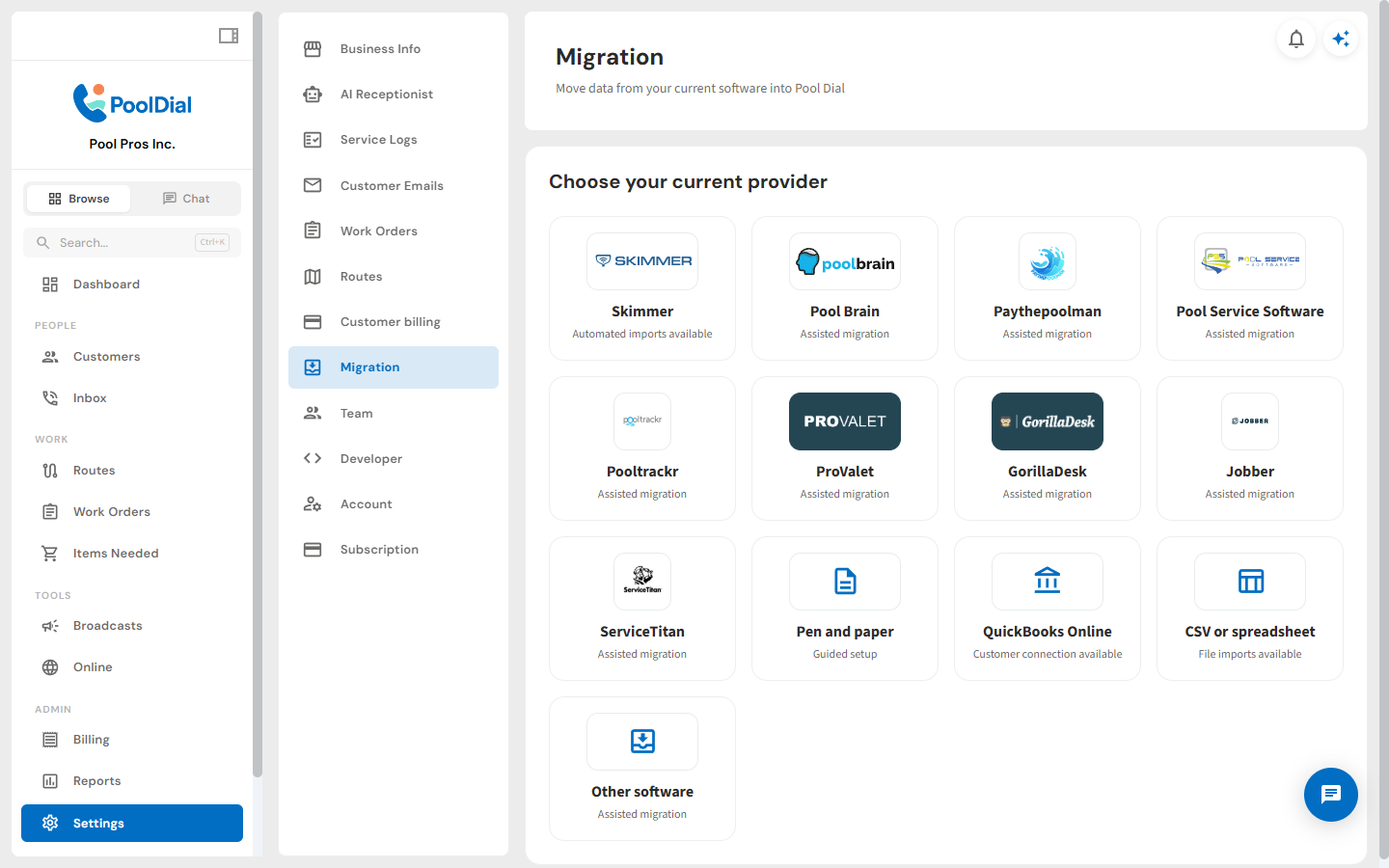
Start with a guided import path for your current software or choose a spreadsheet. PoolDial makes the switch clear from the first step.
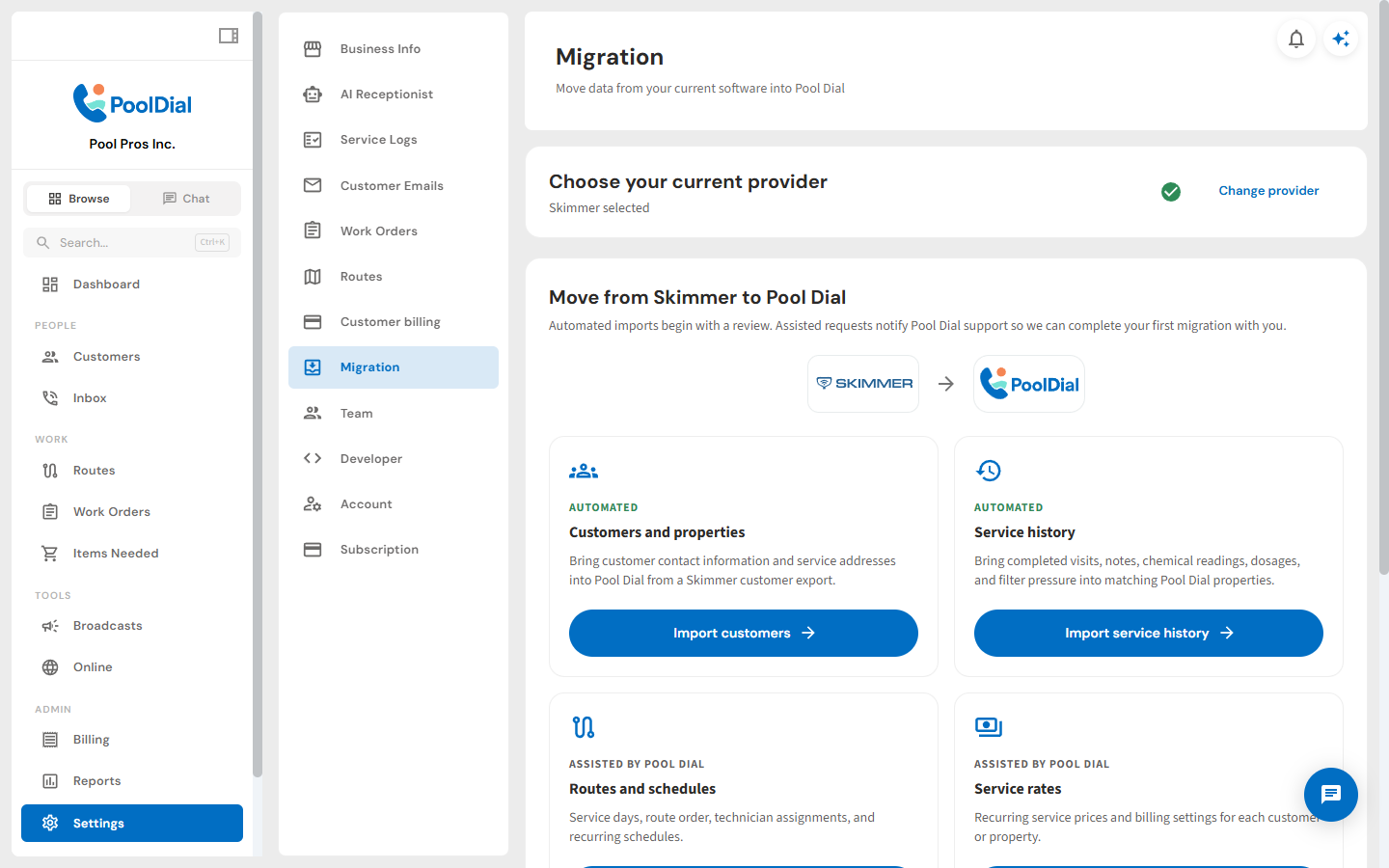
Automate Your Skimmer Move
Follow a purpose-built Skimmer migration flow that keeps the process organized and reduces the manual work required to bring your business over.
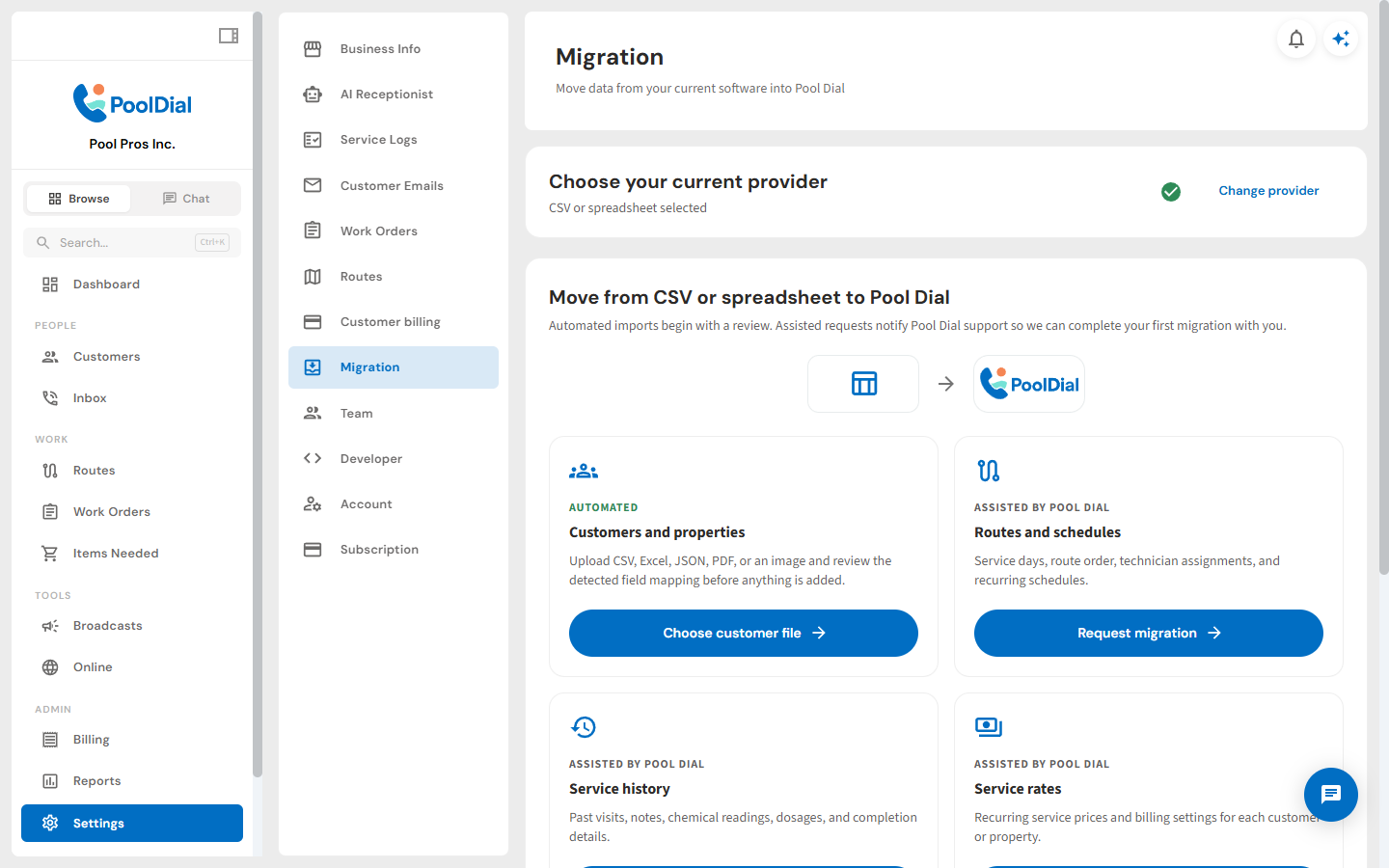
Bring Over Any Spreadsheet
Import a CSV from Excel, Google Sheets, or another service platform. You do not need to rebuild your customer list one record at a time.
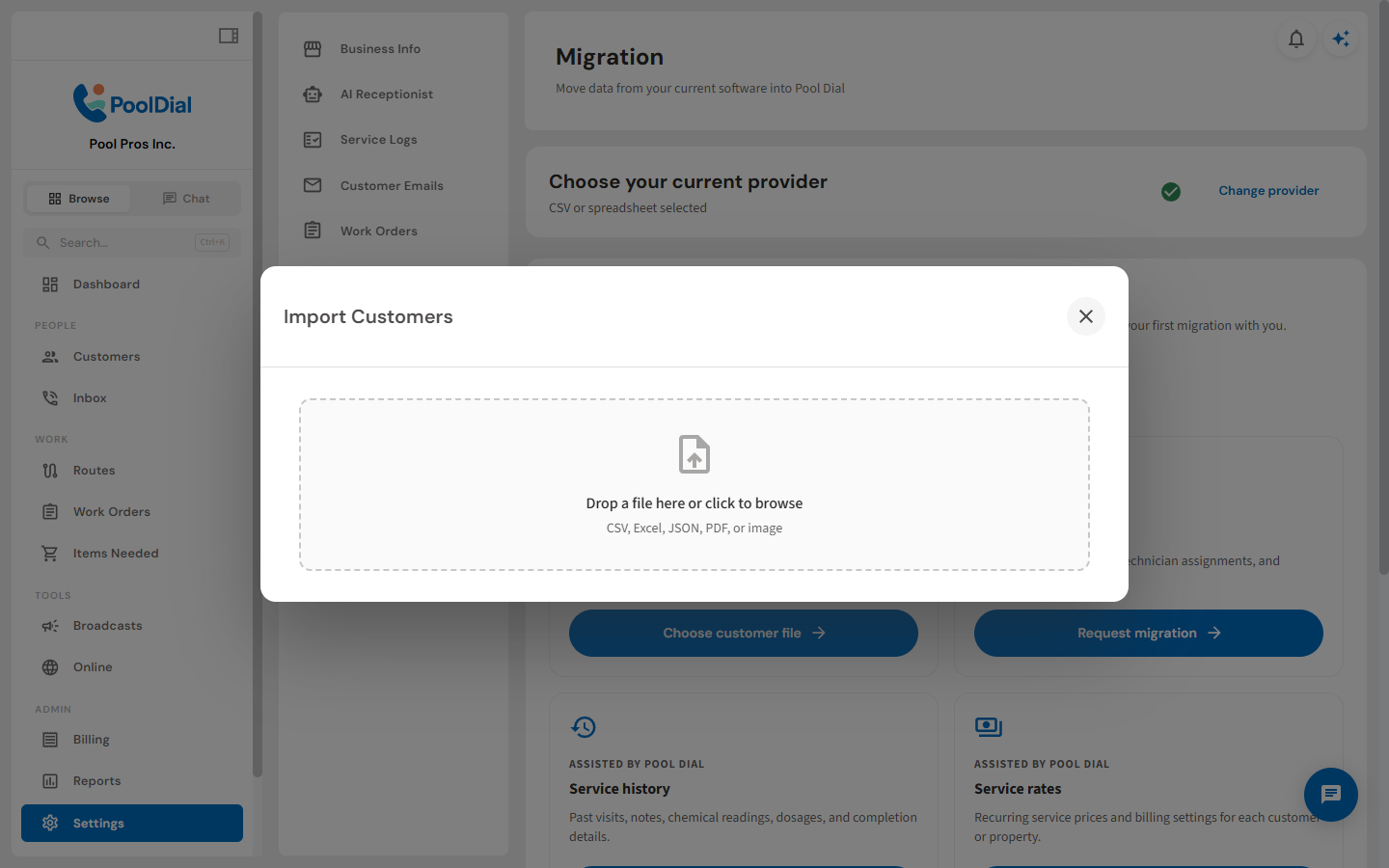
Upload Almost Any File
Drop in your export and let PoolDial prepare it for review. The guided flow keeps file requirements and next steps easy to understand.
Review Every Field Before Import
Match source columns to PoolDial fields and confirm your data before anything changes. You stay in control of what comes across.
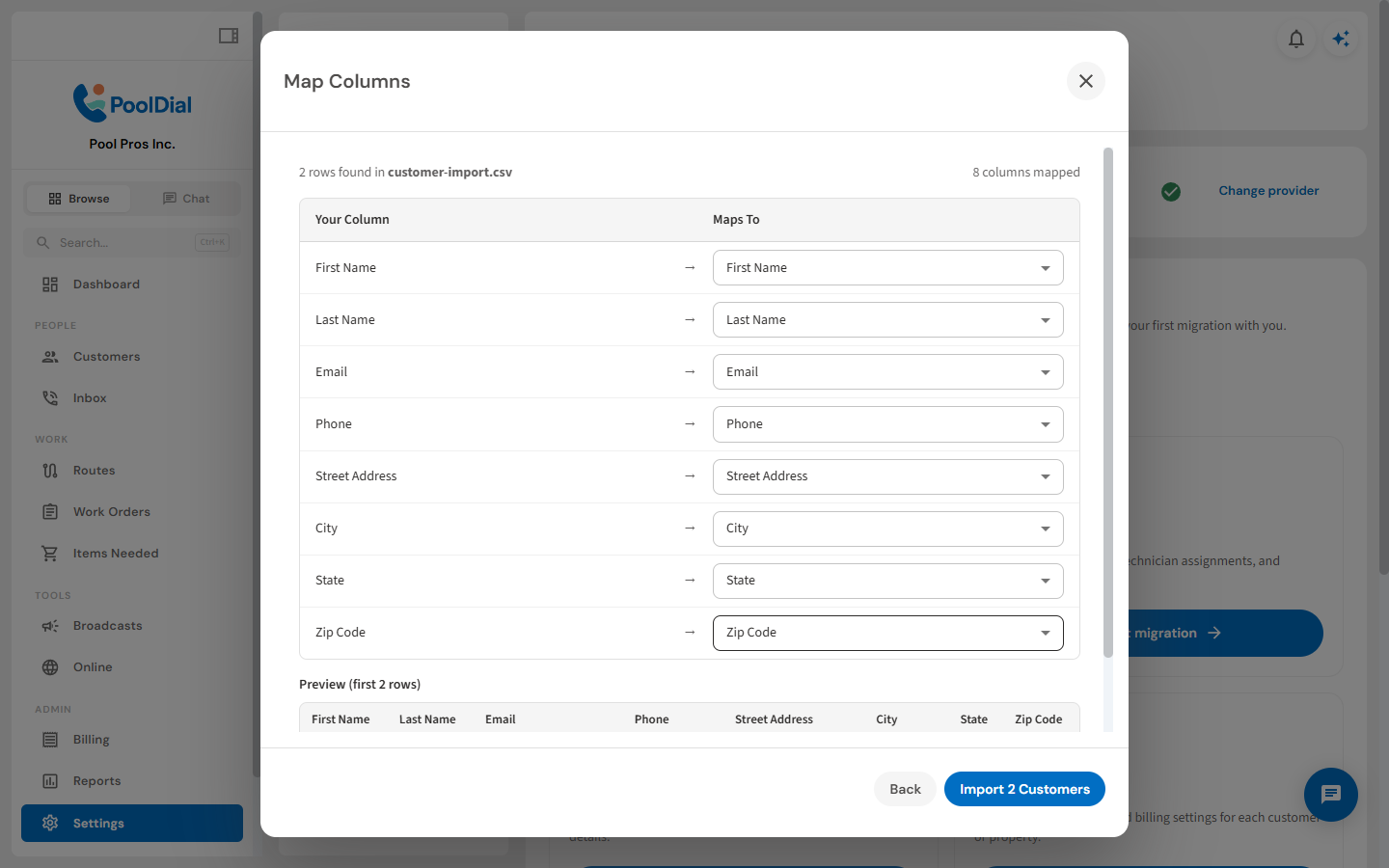
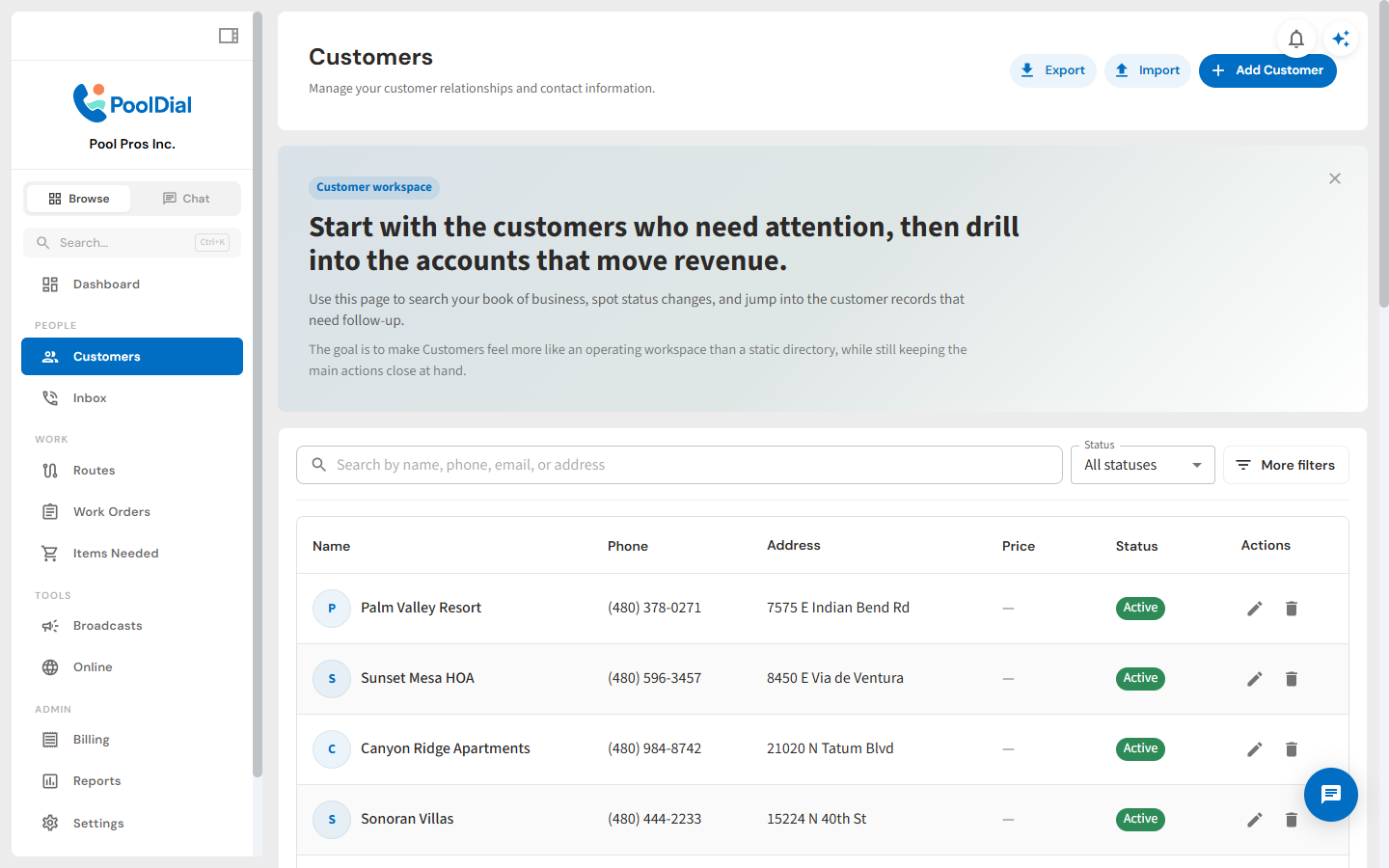
Keep Customer Data Portable
Export customer records whenever you need a backup, an offline analysis, or a clean handoff to another business tool.
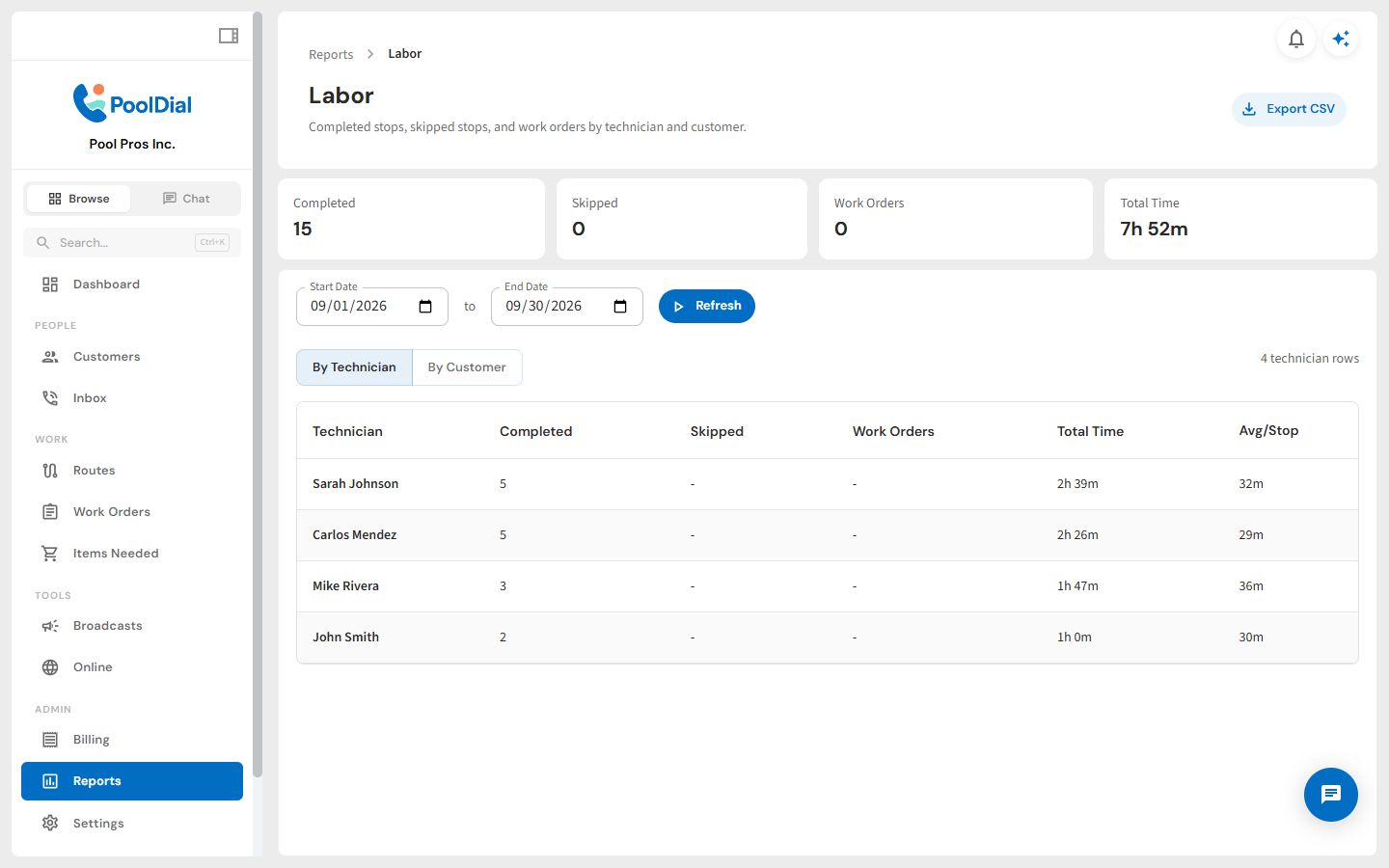
Export Reports Whenever You Need
Download report data for deeper analysis, bookkeeping, or sharing. Your operational history remains useful beyond the dashboard.
See It In Action
Bring your business data into PoolDial and take it with you anytime
The PoolDial Story
From your first customer to your first crew
Bring Your Business to PoolDial
Start a free trial and explore your workflow. Book a demo if you’d like to walk through it with us.
Import & Export FAQ
Common questions about moving your data into and out of PoolDial
What file formats can I import?
PoolDial accepts CSV files from any source — Excel, Google Sheets, Skimmer, Pool Brain, ServiceTitan, or any app that supports CSV export.
What data can I import?
You can import customer names, email addresses, phone numbers, service addresses, and pool details. Our column mapping tool makes it easy to match your data to PoolDial fields.
Can I export all my data?
Yes. PoolDial lets you export customers, invoices, service logs, routes, and chemical readings to CSV at any time. We believe you should always own your data.
How long does importing take?
Most imports complete in under 5 minutes. Upload your CSV, map your columns, and click import — your customers will be ready to go immediately.
Is there a limit on how much data I can import?
No. Import as many customers as you need. Whether you have 20 pools or 2,000, the import tool handles it the same way.
Will PoolDial help me migrate?
Yes. Our team provides free migration support. We'll help you export data from your current system, clean it up, and get it into PoolDial — at no extra cost.