
IntelliTouch Control Panel and Spa Remote Problems


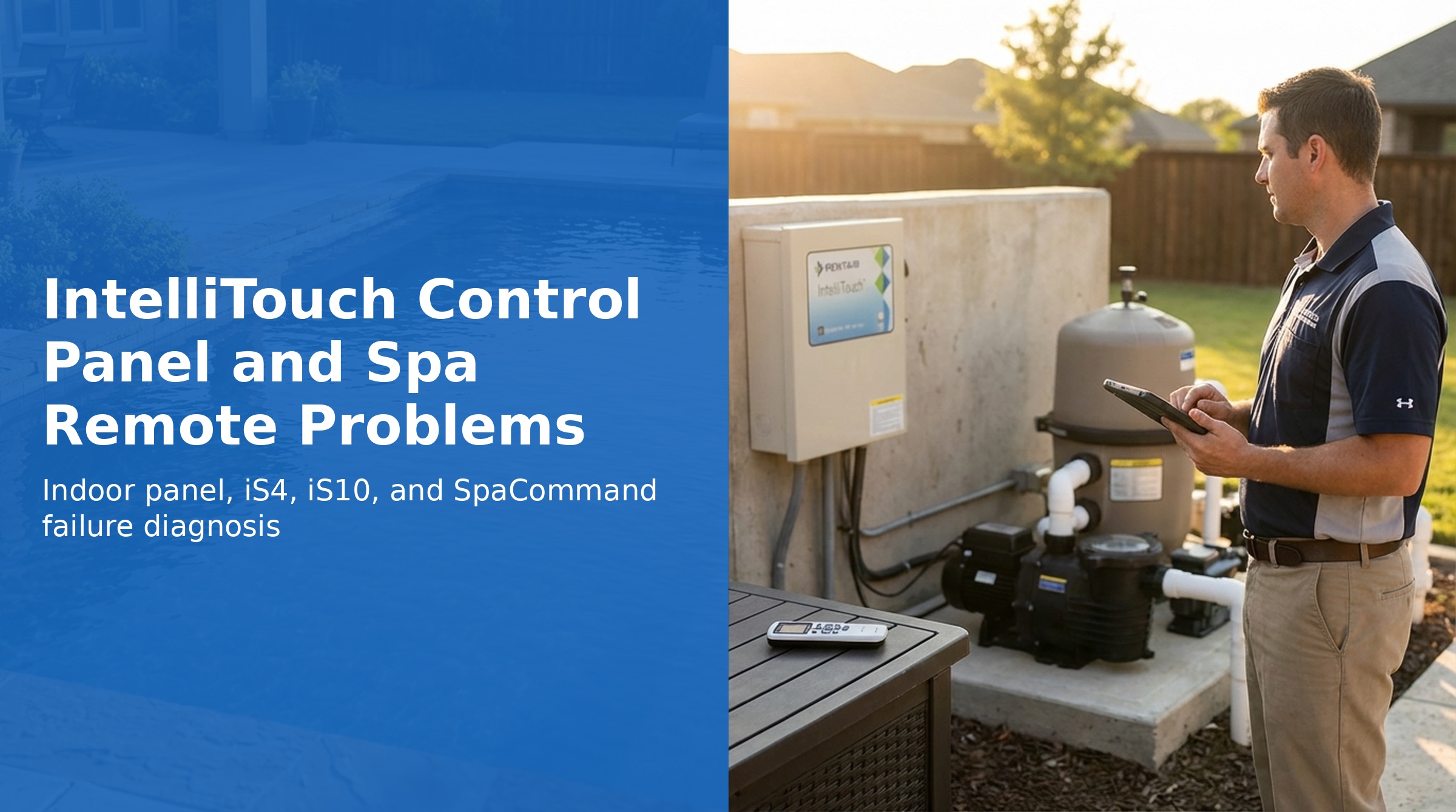
The IntelliTouch control system uses several panels and remotes: the Indoor Control Panel (hardwired inside the home), the iS4 (4-function spa-side remote), the SpaCommand / iS10 (10-function spa-side remote with temperature display), and the Outdoor Control Panel (inside the Load Center). When any of these fail to operate, there are specific diagnostic steps for each.
This guide covers Indoor Control Panel no-power conditions, iS4 and iS10/SpaCommand failures, and configuration sync issues based on the official Pentair IntelliTouch User's Guide.
Indoor Control Panel — No Power or No Display
If the Indoor Control Panel is blank, has no LEDs, or buttons do not respond, work through the following diagnosis:
| Symptom | Possible Cause | Solution |
|---|---|---|
| Screen blank, no LEDs, buttons unresponsive | Bad wiring or loose connections between Indoor Panel and Personality board | Check the 4-conductor cable and all screw terminal connections. Use a short test cable to connect the Indoor Panel directly to the Power Center COM port to isolate the wiring run. |
| Screen blank, no LEDs | Incorrect wiring order — wires crossed | Verify wire color and position match at both ends. Crossed wires can permanently damage the board — contact Technical Support if damage is suspected. |
| Screen blank, no LEDs | Defective Indoor Control Panel | Substitute with a known-good service panel to confirm. Contact Pentair Technical Support for replacement PCB. |
Indoor Control Panel and Outdoor Control Panel Out of Sync
System configuration is stored in both the Outdoor Control Panel and Indoor Control Panel. If they get out of sync (such as when the MobileTouch made changes while system power was down, or a board replacement was done), a conflict message will appear.
- Press the button next to Indoor to use the settings stored in the Indoor Control Panel (or MobileTouch)
- Press the button next to Outdoor to use the settings stored in the Outdoor Control Panel
- To manually sync configurations, go to MENU → SETUP → ADVANCED, then press buttons 2 and 4 simultaneously to access the Service Personnel screen. Use GET IMAGE FROM OUTDOOR or SEND IMAGE TO OUTDOOR.
iS4 Spa-Side Remote Fails to Operate
| Symptom | Possible Cause | Solution |
|---|---|---|
| iS4 buttons do nothing | Spa-Side Remote disabled at main panel | From the Indoor Control Panel, press MENU. Verify it reads "SPA SIDE REMOTE ENABLED." If it reads "DISABLED," press the button to toggle it on. |
| iS4 buttons do nothing | Incorrect circuit assignments or defective wiring | Go to MENU → SETUP → ADVANCED → SPA, RF & PHONE REMOTES → CONFIGURE iS4s. Verify the circuits are correctly assigned and not pointing to unused circuits. |
| iS4 buttons do nothing | Defective iS4 | Replace the defective iS4 unit. |
iS10 / SpaCommand Spa-Side Remote Fails to Operate
| Symptom | Possible Cause | Solution |
|---|---|---|
| SpaCommand/iS10 does nothing | Spa-Side Remote disabled at main panel | From the Indoor Control Panel, press MENU. Verify it reads "SPA SIDE REMOTE ENABLED." If it reads "DISABLED," toggle it on. |
| SpaCommand/iS10 does nothing | Not enabled in the system | The first SpaCommand is auto-enabled when wired to the Load Center. Additional SpaCommands must be manually enabled. Go to page 30 of the manual for manual enablement steps. |
| SpaCommand/iS10 does nothing | Defective wiring | Verify wiring from SpaCommand to the Personality board. Check for broken wires and loose terminals. |
| SpaCommand/iS10 does nothing | Incorrect circuit assignments | Go to MENU → SETUP → ADVANCED → SPA, RF & PHONE REMOTES → CONFIGURE iS10s. Verify expected circuit assignments. |
| SpaCommand/iS10 does nothing | Defective iS10 | Replace defective iS10. Contact Technical Support. |
Multiple SpaCommands — Address Assignment
Up to four SpaCommand remotes can be installed on a single system. The first SpaCommand wired to the Load Center is automatically assigned address iS1. Each additional SpaCommand must be manually assigned a unique number (2, 3, or 4) to avoid conflicts. If multiple SpaCommands share the same address, they all behave identically — which is useful if you want the same functions available at multiple locations.
To assign a SpaCommand address, use MENU → SETUP → ADVANCED → SPA, RF & PHONE REMOTES → CONFIGURE iS10s.
Keypad Lock
To prevent unauthorized changes to the system from the Indoor Control Panel, enable the Keypad Lock feature from the Advanced settings menu. When locked, all panel buttons are disabled. To unlock, navigate through the same menu sequence. See the IntelliTouch User's Guide (P/N 521075), page 83 for details.