
Pentair IntelliTouch Troubleshooting Guide


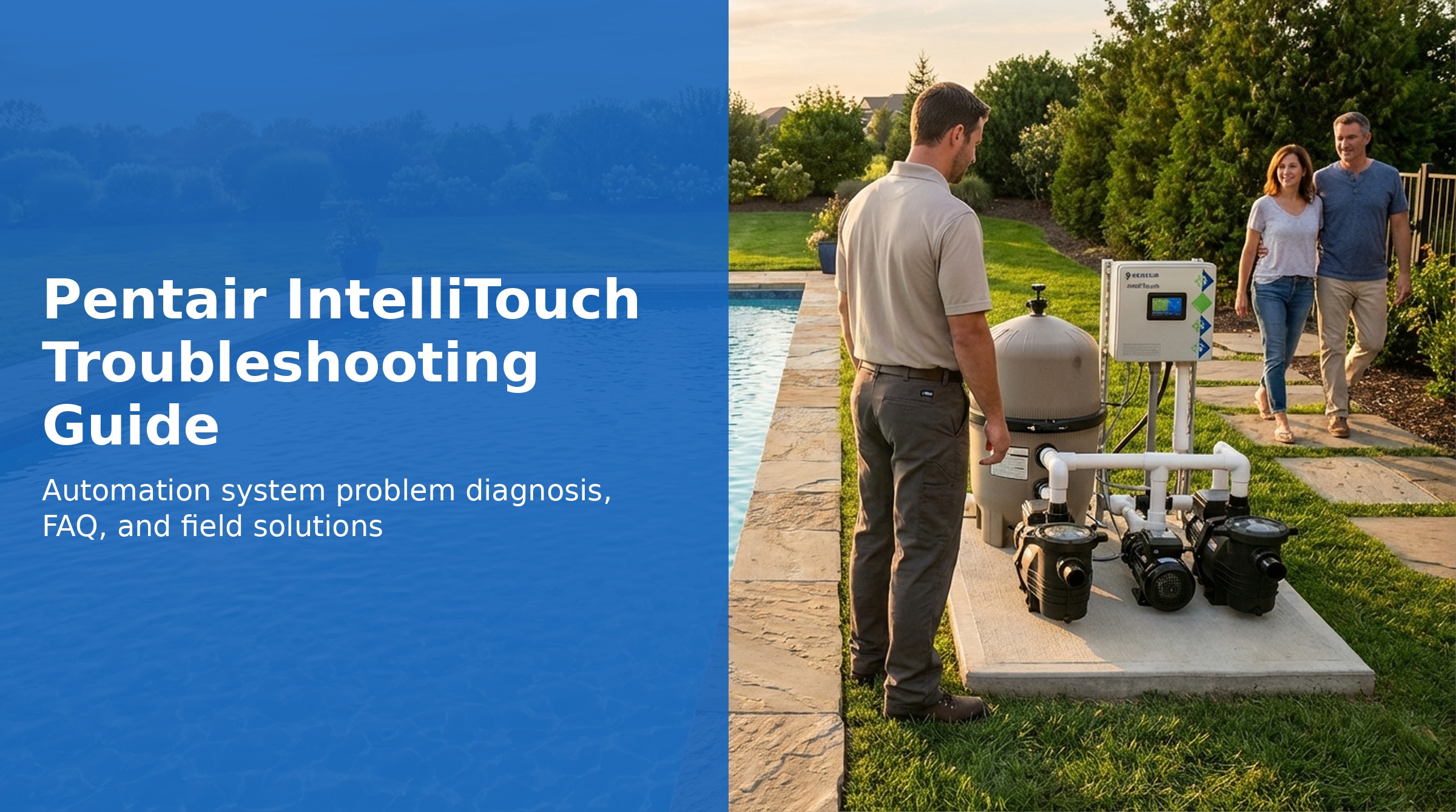
Looking for Pentair IntelliTouch specs? See the full specifications, parts list, and error codes.
The Pentair IntelliTouch is a full-featured pool and spa automation system that controls pumps, heaters, lights, valves, and accessories from a central Load Center at the equipment pad. Multiple control interfaces — including the Indoor Control Panel, MobileTouch wireless controller, spa-side remotes, and ScreenLogic mobile app — all communicate through the IntelliTouch Personality board.
This guide covers the most common IntelliTouch problems, the system problem diagnosis tables, and frequently asked questions, based on the official Pentair IntelliTouch User's Guide.
IntelliTouch System Overview
The Pentair IntelliTouch is a comprehensive automation system that controls pool and spa equipment from a central Load Center or Power Center at the equipment pad. It uses an Indoor Control Panel inside the home, an Outdoor Control Panel at the load center, and optional wireless and wired remotes to control pumps, heaters, lights, valves, and accessories.
IntelliTouch models (i5+3 through i10+3D) differ in the number of high-voltage relay circuits available. The "+3" designation indicates additional low-voltage feature circuits for valve control, light shows, and macro functions beyond the main high-voltage relays.
System Components
| Component | Function |
|---|---|
| Load Center / Power Center | Main enclosure housing the Outdoor Control Panel, Personality board, relays, and transformer. Located at the equipment pad. |
| Outdoor Control Panel | The control board inside the Load Center. Stores system configuration and controls relays directly in Service mode. |
| Indoor Control Panel (P/N 520138) | 3.75" monochrome LCD panel inside the home. Connects via 4-conductor cable to the Personality board COM port. |
| MobileTouch (P/N 520906) | Wireless handheld controller. Range ~300 ft. Powered by rechargeable lithium-ion battery. |
| iS4 Spa-Side Remote | 4-function hardwired spa-side remote. Operates up to 150 ft from load center. |
| SpaCommand / iS10 (P/N 521176) | 10-function spa-side remote with temperature display. Up to four can be installed per system. |
| QuickTouch II (P/N 521245) / QT4 (P/N 520148) | 4-function wireless handheld remote for simple on/off control. |
| Personality Board | Circuit board in Load Center with COM ports, relay connectors, and temperature sensor connectors. |
System Modes
| Mode | Description |
|---|---|
| Auto | Normal operation. Indoor panel, MobileTouch, and remotes control the system. Programmed schedules run automatically. |
| Service | Buttons on the Outdoor Control Panel directly operate equipment. Remote controllers (indoor panel, MobileTouch, remotes) are disabled. IntelliFlo pump STOPS when Service mode is active. |
| Timeout | Equipment runs for a set override period then returns to schedule. |
Common Troubleshooting Issues
Indoor Control Panel Has No Power
- Bad wiring or loose connections: Check the 4-conductor cable between the Indoor Control Panel and the COM port on the Personality board. Check screw terminal connections. Test with a short patch cable connected directly to the Power Center to isolate wiring issues.
- Incorrect wiring order: Reversed or mismatched wires can cause no-power conditions and may permanently damage the board. Verify wire order matches at both ends.
- Defective Indoor Control Panel: Substitute with a known-good service panel to confirm. Contact Pentair Technical Support for replacement PCB.
Heater Won't Turn On
- Pump must be running before the heater will activate — the heater requires water flow detection
- Verify the heater cable from the Load Center to the heater is connected and undamaged
- Check the HEAT screen to confirm the correct heating mode is selected (HEATER, HEATPUMP, or SOLAR)
- Confirm the set temperature is higher than the current water temperature
- UltraTemp heat pump must be set to Address 1 for RS-485 communication with IntelliTouch
Equipment Won't Run on Schedule
- Verify system is in Auto mode (not Service or Timeout)
- Check the system clock — if clock is lost after a power outage, schedules will not execute at the correct time. Reset from MENU → SETUP → CLOCK
- Confirm the circuit is assigned and enabled for the schedule
- If Egg Timer or Once-Only overrides are active, they may be interrupting the schedule
Freeze Protection Not Activating
Freeze protection activates when the air temperature sensor detects below 36°F (2°C). The filter pump and all circuits assigned freeze protection will switch on and cycle every 15 minutes for pool/spa combinations. Requirements:
- Air temperature sensor must be in the shade — not in direct sunlight and not inside the load center enclosure
- Circuits must be assigned to freeze protection (MENU → SETUP → ADVANCED → CIRCUIT FUNCTIONS)
- Note: When connected to IntelliTouch, the IntelliFlo pump's internal anti-freeze is disabled. IntelliTouch provides freeze protection instead via the circuit freeze settings.
Mismatched System Personalities
A replacement controller (Indoor Control Panel, MobileTouch) ships from the factory as an i9+3. When connected to a different system model (i5+3, i10+3D, etc.), a "mismatched system personality" message appears.
- Press NEXT to update the controller to match the current system personality
- Press IGNORE to skip (useful for service panels used across multiple jobs)
FAQ
What Does '+3' Mean in IntelliTouch Model Numbers?
The first number is the count of high-voltage auxiliary relay circuits (including the filter pump). The "+3" adds low-voltage feature capabilities: valve control without consuming relay circuits, Color Swim / Color Set lighting, and Feature/Macro circuit programming.
How Do I Set Up a 2-Speed Pump?
Two-speed pumps use two relays: one for on/off (typically the filter pump relay) and one to switch from low to high speed (connected to the 2-SPD output on the Personality board). Up to 10 circuits can be assigned to trigger high speed. The default state is low speed. Configure from MENU → SETUP → EQUIPMENT → 2-SPEED PUMP.
Can the Heater Be Adjusted from the Spa?
Temperature can be adjusted from the spa using the iS10 / SpaCommand remote or a wireless controller (MobileTouch, QuickTouch). The iS4 can turn the heater on but cannot adjust temperature.
How Do I Get Solar to Turn On?
Go to MENU → SETUP → EQUIPMENT → SOLAR and press YES to enable solar. Then select the heating method for each body of water through the HEAT screen. Note: Do not configure solar as a "heat pump."