
Pentair IntelliChem Communication Errors


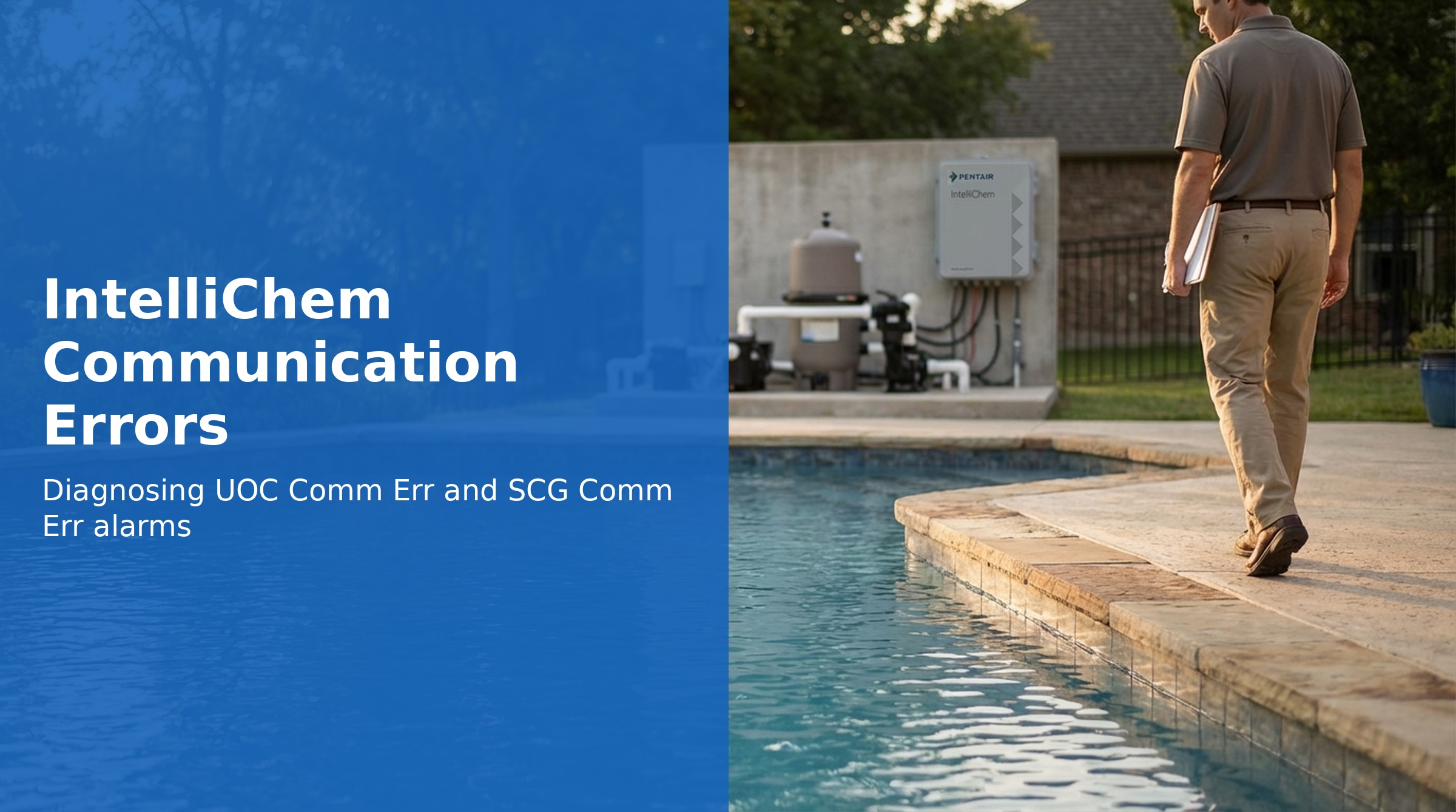
The IntelliChem communicates with other Pentair equipment over an RS-485 serial bus. When that communication fails, the display shows one of two alarm messages: UOC Comm Err (automation controller communication lost) or SCG Comm Err (salt chlorine generator communication lost).
Both errors are wiring and connection problems first — before assuming a component has failed, verify all connections and cables thoroughly.
UOC Comm Err — Automation Controller Communication Lost
This alarm means the RS-485 communication link between the IntelliChem and the Pentair automation controller (IntelliCenter, EasyTouch, or similar) has been lost. The IntelliChem can continue to monitor and dose independently, but automation control and monitoring is unavailable.
Causes
- Loose, corroded, or disconnected terminal connections at the IntelliChem or automation controller
- Damaged RS-485 cable (cut, kinked, pinched, or rodent-chewed)
- Incorrect wiring — RS-485 requires 4 wires connected to the correct terminals
- Termination resistor issues (if the RS-485 bus runs to multiple devices)
- Automation controller powered off or in fault state
- Firmware incompatibility between IntelliChem and the automation controller
Troubleshooting Steps
Step 1: Check Automation Controller Status
Verify the automation controller is powered on and operating normally. If the controller itself is in an error or startup state, the IntelliChem will report a communication error even if the wiring is perfect.
Step 2: Inspect RS-485 Wiring at IntelliChem
- Turn off power to the IntelliChem at the GFCI switch
- Open the IntelliChem enclosure
- Locate the RS-485 terminal block (labeled with A, B, GND, and shield terminals)
- Verify all 4 wires are present and firmly seated in their terminals — tug gently on each wire to confirm
- Look for corrosion (green or white deposits) on wire ends or terminal contacts
- Check that the correct wires are on the correct terminals — A to A, B to B, GND to GND
Step 3: Inspect RS-485 Wiring at the Automation Controller
- Open the automation controller panel
- Locate the RS-485 terminals connected to the IntelliChem
- Check for the same issues — loose connections, corrosion, incorrect polarity
- Tighten and clean as needed
Step 4: Inspect the Cable Run
- Walk the full cable run between the IntelliChem and automation controller
- Look for kinks, cuts, areas of visible damage, or sections buried under debris
- Check any conduit entries for signs of moisture ingress
- If the cable passes through a conduit shared with high-voltage wiring, RS-485 signal interference is possible — RS-485 should run in a separate conduit
Step 5: Power Cycle Both Units
- Turn off the automation controller and the IntelliChem
- Wait 30 seconds
- Power on the automation controller first — allow it to fully boot
- Then power on the IntelliChem
- Allow 60–120 seconds for communication to establish
SCG Comm Err — Salt Chlorine Generator Communication Lost
This alarm means the IntelliChem has lost communication with a connected Pentair salt chlorine generator (such as the IntelliChlor). The IntelliChem uses this connection to coordinate ORP-based chlorine dosing with the SCG output level.
Important: Startup Communication Delay
After a power cycle or initial startup, it can take 2–10 minutes or more for the IntelliChem and SCG to establish communication, especially if:
- Water temperature is low (below ~60°F)
- Water is not circulating yet
- Salt level is low
Allow adequate time before concluding there is a genuine communication error.
Causes
- SCG not yet initialized after startup — wait 10 minutes before troubleshooting
- Water too cold — SCG may not be producing chlorine or responding on the RS-485 bus
- Pool not circulating — SCG requires water flow to operate
- Salt level too low — SCG cannot operate and may not respond on the bus
- Loose or corroded connection between IntelliChem and SCG
- Damaged cable between IntelliChem and SCG
- SCG unit in fault state — check SCG display for its own error messages
Troubleshooting Steps
Step 1: Wait for Communication to Establish
If this alarm appeared immediately after a power-on or pump startup, wait 10 minutes before taking any action. Communication may establish on its own once the SCG has fully initialized.
Step 2: Check the SCG for Its Own Alarms
Navigate to the SCG display or indicator lights. If the SCG itself shows a fault (low salt, cold water, no flow), resolve that issue first — the IntelliChem cannot communicate with an SCG that is in a fault state.
Step 3: Cycle Power to the SCG
- Turn off the SCG at its breaker or power source
- Wait 30 seconds
- Turn the SCG back on
- Wait up to 10 minutes for communication to re-establish with the IntelliChem
Step 4: Inspect the Communication Cable
- Turn off power to both the IntelliChem and SCG
- Inspect the cable connecting the IntelliChem to the SCG
- Check all terminals at both ends for tightness and corrosion
- Look for damaged cable insulation along the entire run
- Tighten connections and replace cable if damaged
Step 5: Verify Salt Level and Water Conditions
The SCG requires adequate salt (typically 2700–3400 ppm depending on model) and water temperature above approximately 50–55°F to operate and communicate. Test salt level with salt test strips or a digital salinity meter and add salt if needed.
Self-Test: RS-485 Loopback
The IntelliChem Self-Test sequence includes a Loopback RS-485 test (error code 40H). If the self-test returns this code, it indicates the IntelliChem's RS-485 hardware itself may be faulty — potentially requiring circuit board replacement (P/N 521319Z).
Part Numbers
| Part | Part Number |
|---|---|
| Circuit Board (for hardware RS-485 failure) | 521319Z |