
Pentair IntelliChem Troubleshooting Guide


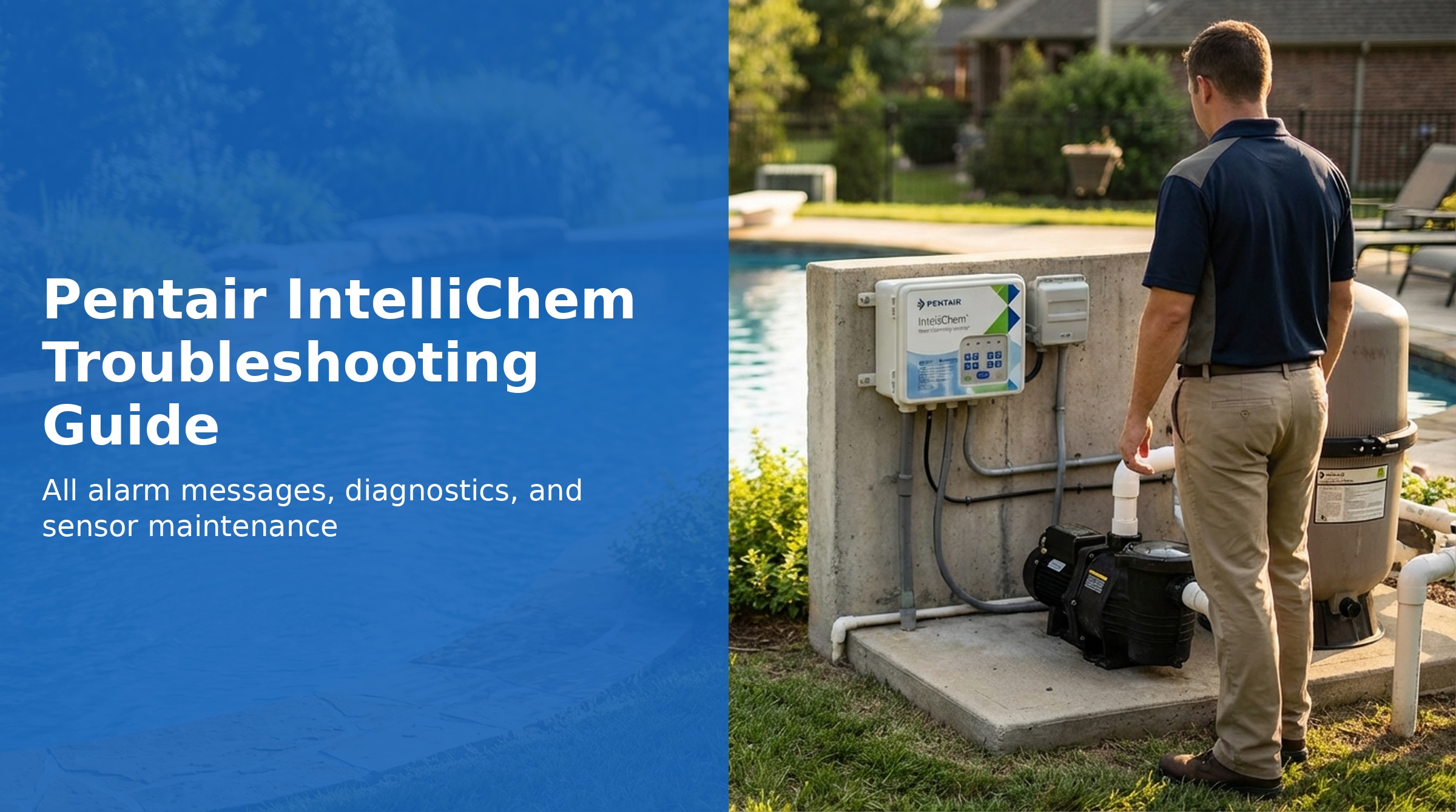
The Pentair IntelliChem is an automatic water chemistry controller that monitors and adjusts pool pH and ORP (sanitizer) levels by triggering chemical dosing pumps. It measures pH and ORP continuously and doses acid or chlorine as needed to hold levels at their set points.
This guide covers every IntelliChem alarm message, the full diagnostic menu, and step-by-step troubleshooting procedures based on the official Pentair IntelliChem installation and user manual.
IntelliChem Alarm Message Reference
When an alarm condition is detected, the IntelliChem display shows the alarm message and dosing may be paused or suspended. The table below covers every alarm message, its cause, and the recommended fix.
| Display | Cause | Fix |
|---|---|---|
| SI Scaling / SI Corrosive | Saturation Index out of range | Check LSI values (temp, pH, CH, TA, CYA, salt). Balance water chemistry. Threshold is configurable ±0.1 to ±0.9 (default ±0.5). |
| UOC Comm Err | RS-485 communication between IntelliChem and automation controller lost | Check RS-485 4-wire connection, terminals, and cables between IntelliChem and the automation controller. |
| Auto Calibration...Failed | Internal self-test calibration failure | Check that the printed circuit board is clean and dry. Dirt, condensation, or water leaking into the enclosure causes faulty readings. |
| Invalid EE CRC or Rev# | Memory (EEPROM) error | Turn power off and back on. If the error persists, reload firmware or replace the circuit board (P/N 521319Z). |
| SCG Comm Err | Salt chlorine generator communication error | Water may be too cold, not circulating, or salt level too low. May take 2–10+ minutes to begin communication. Try cycling power to the SCG unit; check cable wires and terminals. |
| pH/ORP Invald Setup | Incompatible hardware configuration settings | Check hardware config in pH Control and ORP Control menus. Ensure outputs are not shared between pH and ORP. If unresolved, re-run Auto Setup Wizard and choose "Reset All." |
| pH/ORP Dose Limit | Daily dose limit reached | Check saturation index, balance water, increase dosage and filter time, increase daily limit. Limit can be manually cleared in pH/ORP Settings menus. |
| pH >7.8 Lockout | pH too high — ORP dosing suspended as safety measure | Reduce pH first with an acid dose, then resume ORP dosing. Bringing pH down often makes existing sanitizer more effective. |
| Flashing pH/ORP tank symbol | Chemical supply low | Refill chemical container. Update gauge level in Supplies menu. |
| ORP LOW | ORP reading below low alarm threshold (default 650 mV) | Increase filter time, increase dose size. Check ORP Sensitivity setting — try "High" or "Off." Check doser operation and supply level. |
| ORP HIGH | ORP reading above high alarm threshold (default 750 mV) | May be due to cyanuric acid suppressing ORP during daylight. Reduce dose size, increase mix time. Try ORP Sensitivity "Low." |
| pH LOW | pH reading below low alarm threshold (default 6.8) | Reduce dose size, increase mix time. Check overall water chemistry with Saturation Index. Test total alkalinity. |
| pH HIGH | pH reading above high alarm threshold (default 7.8) | Increase filter time, increase dose size. Check pH Sensitivity — try "High" or "Off." Check doser operation. |
| NO FLOW DETECTED | Flow switch open — pool pump not circulating water | Ensure pool pump is on, valves are positioned correctly, and water is flowing to the flow cell. Make sure flow switch is closed (shorted). Do NOT bypass flow switch — it is a safety device. |
| Awaiting FLOW DELAY | Waiting for startup delay timer (not an alarm) | Normal behavior. Default power-on delay is 15 minutes. Can be bypassed by holding the Up arrow for 3 seconds. |
Alarm Thresholds and Set Points
| Parameter | Recommended Range | Set Point Range | Default | Alarm | Alarm Delay |
|---|---|---|---|---|---|
| pH | 7.2–7.6 | 7.2–7.8 | 7.5 | High 7.8 / Low 6.8 | 5 min each |
| ORP | 650–750 mV | 400–900 mV | 700 mV | High 750 / Low 650 | High: 1 hr / Low: 2 hr |
| pH Lockout | — | 7.7–8.2 | 7.8 | Suspends ORP dosing | — |
| Saturation Index | ±0.0 (balanced) | ±0.1 to ±0.9 | ±0.5 | SI Scaling / SI Corrosive | — |
General Troubleshooting Procedure
When IntelliChem readings seem inaccurate or chemical dosing appears incorrect, follow the standard troubleshooting sequence from the manual before replacing parts:
- Run the Meter Self-Test from the Diagnostics menu
- Run the Probe-Open Test from the Diagnostics menu
- Clear pH and ORP Tweaks (removes manual calibration offsets)
- Clean the pH and ORP sensors
- Check chemicals and feed system (doser operation, supply levels)
- Take a water sample for independent lab analysis (CYA, alkalinity, Saturation Index)
- Replace sensors if cleaning does not resolve the issue
- Repeat steps as needed
Diagnostics Menu
Access the Diagnostics menu from Configuration → Diagnostics.
Meter Test
Tests the pH and ORP sensing circuitry. The display shows *** PASS *** if the meter is functioning correctly. A failure here indicates a problem with the circuit board, not the probes.
Probe Test (Probe-Open Test)
A 30-second test that evaluates inputs to the pH and ORP meters. It detects probes that are disconnected, broken, or shorted. Note: this test cannot detect dirty or cracked probes — physical inspection and cleaning are required for those issues.
Clear Tweaks
Resets pH and ORP Tweak values back to 0, removing any manual calibration offsets. Use this step to rule out an incorrect tweak as the cause of inaccurate readings.
Self Test Sequence
Tests all IntelliChem hardware components. Dosing is paused during the test. Results are displayed as hex error codes — see the Self-Test Error Code table below.
Self-Test Error Codes
Self-Test results are displayed as hexadecimal codes from the Configuration → Diagnostics menu. Each bit represents a different hardware component. Multiple components can fail simultaneously, in which case the codes are added together.
| Hex Code | Failing Component |
|---|---|
| 01H | LCD display |
| 02H | Backlight |
| 04H | LEDs |
| 08H | Buttons |
| 10H | Flow Switch |
| 20H | Outputs (dosers/relays) |
| 40H | Loopback RS-485 |
| 80H | Meter (pH/ORP sensing circuitry) |
pH Not Reaching Set Point
If pH is consistently below its set point and normal dosing isn't closing the gap:
- Increase Sensitivity: Change the pH Sensitivity setting to "High" — this delivers the full dose at 0.2 pH or greater from the set point. Alternatively, turn pH Sensitivity OFF — only enable it again if you observe overshooting.
- Increase dose size: Increasing dosage and raising the dose limit together will deliver more chemical per cycle.
- Reduce mix time: Shorter mix time between doses allows the system to dose more frequently.
Part Numbers
| Part | Part Number |
|---|---|
| pH Sensor | 522186 |
| ORP Sensor | 522187 |
| Flow Cell | 754000310 |
| Circuit Board | 521319Z |
| Pump Head (replace annually) | 521348Z |
| Pump Motor | 521338Z |
| Top Half (lid with overlay) | 521465Z |
| Circuit Breaker | 8520031Z |
| Transformer | 521335Z |