
Pentair IntelliChem pH/ORP Dose Limit Alarm


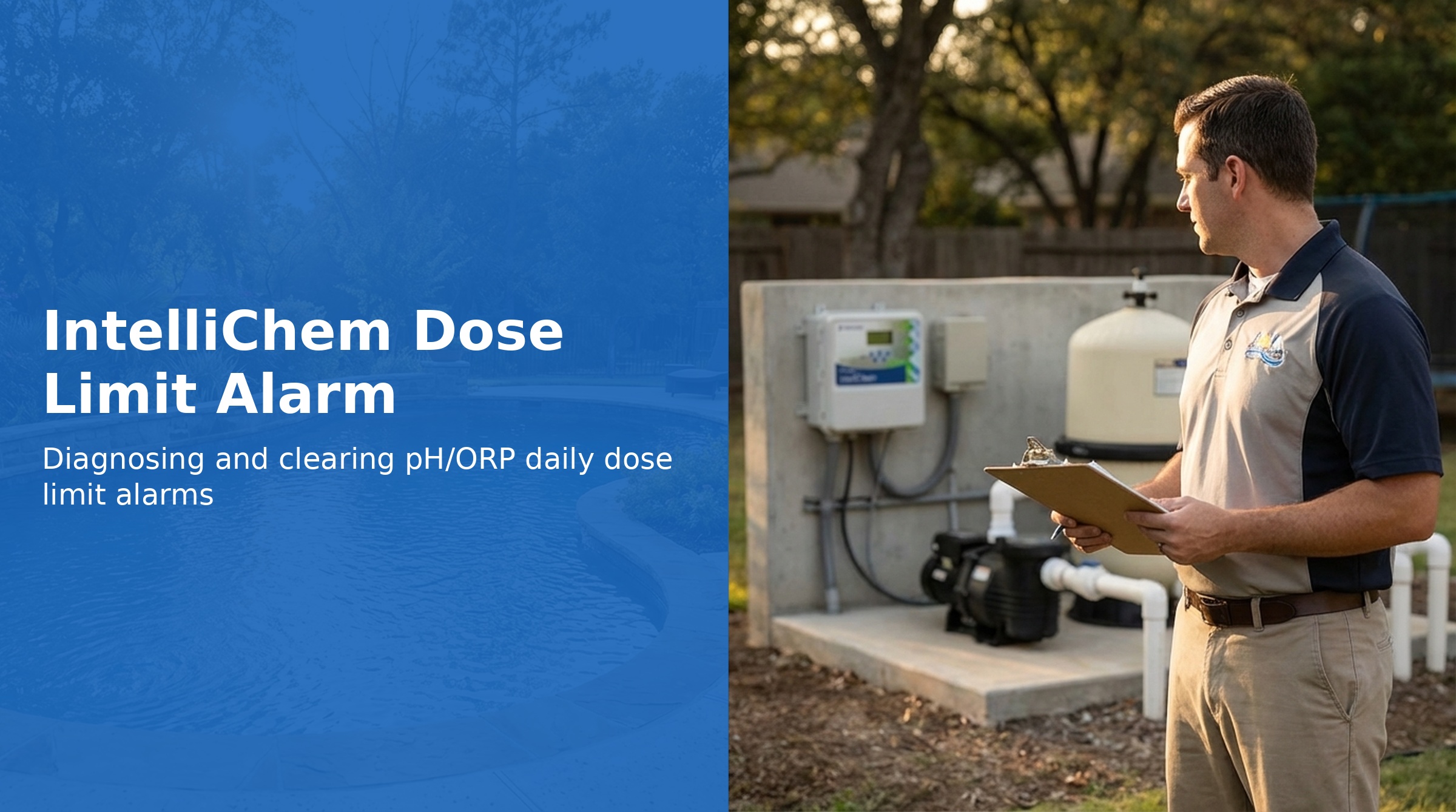
The IntelliChem tracks how much chemical has been dosed each day for both pH and ORP. When the cumulative dose for the day reaches the configured daily limit, dosing stops and the display shows pH Dose Limit or ORP Dose Limit. The limit resets automatically at midnight.
The dose limit is a safety feature that prevents the system from dumping unlimited chemical into the pool — which could happen if a sensor is reading incorrectly or a set point is configured poorly. When the limit alarm fires, it always signals that something needs to be investigated.
Why the Dose Limit Exists
Without a daily dose limit, a faulty sensor, incorrect set point, or failed doser check valve could allow the IntelliChem to dose continuously — potentially over-acidifying or over-chlorinating the pool. The daily limit acts as a last-resort safety cap. A healthy, properly balanced pool should not routinely hit its dose limit.
How to Clear the Dose Limit Alarm
The dose limit resets automatically at midnight. To clear it manually before midnight:
- Navigate to the pH Settings or ORP Settings menu (whichever limit was reached)
- Locate the "Clear Dose Limit" option
- Confirm — the daily counter resets to zero and dosing resumes
Common Causes and Solutions
Water Chemistry Imbalance
The most common legitimate reason for hitting the dose limit is that water chemistry is significantly out of balance and requires more chemical than the daily limit allows to correct it.
- Check the Saturation Index — high or low LSI values indicate the water is imbalanced and will require more dosing to maintain set points
- Test pH, total alkalinity, calcium hardness, CYA, and temperature with a reagent-based kit or send a sample to a lab
- Balance the water manually before relying on the IntelliChem to maintain it
Daily Limit Set Too Low
If the daily limit is set lower than the pool actually requires (particularly for larger pools or pools with waterfalls and high aeration), the system will regularly hit the limit before the day is done:
- Increase the daily dose limit in pH Settings or ORP Settings
- Increase dose size so each dosing cycle delivers more chemical (fewer cycles to reach the same total)
Insufficient Filter Run Time
The IntelliChem can only dose while the pool pump is running and flow is detected. If filter run time is short, the system tries to dose more aggressively during the available window:
- Increase daily filter run time to give the IntelliChem more time to dose gradually
- Schedule filtration to run when chemical mixing is most effective (morning, before heavy bather load)
Probe Reading Incorrectly
If a pH or ORP probe is reading lower than actual (due to contamination, aging, or damage), the IntelliChem will dose continuously trying to reach a set point it believes hasn't been reached:
- Compare IntelliChem readings to an independent test kit reading of the actual pool water
- If readings differ significantly, run Diagnostics → Meter Test and Probe-Open Test
- Clean the affected sensor and recheck
- Replace the sensor if cleaning does not resolve the discrepancy (pH Sensor P/N 522186, ORP Sensor P/N 522187)
Doser Not Actually Delivering Chemical
If the dosing pump motor runs but no chemical is being delivered (empty container, clogged tubing, failed pump head), the system accumulates "doses" toward the daily limit without actually treating the water:
- Check container levels — refill if empty
- Verify tubing is not kinked, blocked, or cracked
- Run a manual dose and watch the tubing to confirm chemical is flowing
- The pump head (P/N 521348Z) must be replaced annually — a worn pump head delivers less chemical per cycle even when the motor is running
Adjusting the Daily Dose Limit
The daily dose limit is configured separately for pH and ORP in their respective Settings menus. Increase the limit if the pool legitimately requires more chemical than the current setting allows, but investigate first to confirm the water balance and sensor accuracy before simply raising the limit.
Pump Head Maintenance
Pentair requires annual replacement of the dosing pump head (P/N 521348Z). The pump head contains the peristaltic tubing that pushes chemical through the system — this tubing fatigues and cracks over time, reducing delivery accuracy and eventually failing entirely. Annual replacement prevents dose-related issues caused by a worn pump head.
Part Numbers
| Part | Part Number | Notes |
|---|---|---|
| Pump Head | 521348Z | Replace annually |
| Pump Motor | 521338Z | Replace if motor fails |
| pH Sensor | 522186 | Replace if cleaning insufficient |
| ORP Sensor | 522187 | Replace if cleaning insufficient |