
Pentair IntelliChem No Flow Detected Alarm


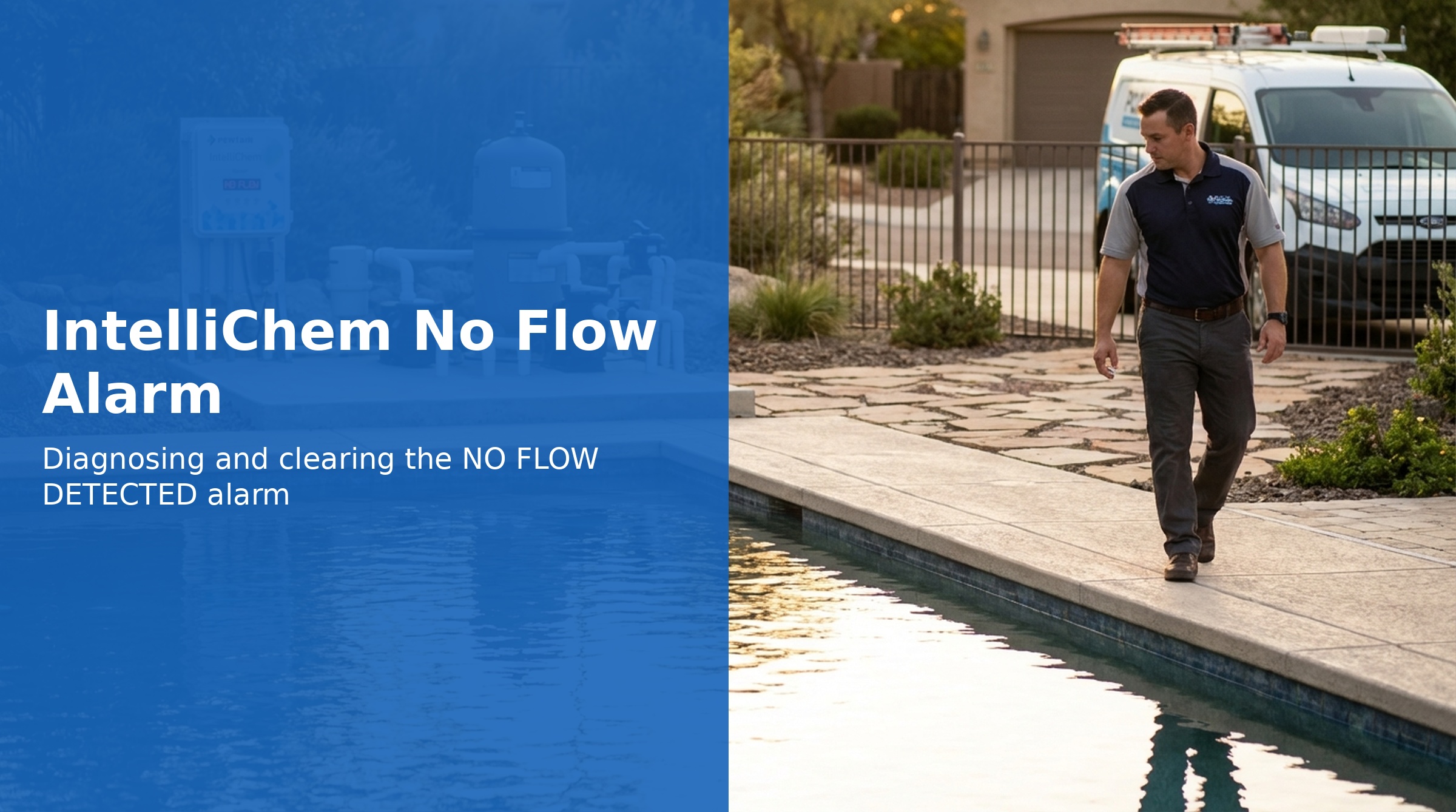
The IntelliChem displays NO FLOW DETECTED when the flow switch in the Flow Cell is open, indicating the system believes water is not circulating. All chemical dosing is suspended when this alarm is active — this is a critical safety feature that prevents dosing concentrated acid or chlorine into a stagnant pool.
The flow switch operates on a simple circuit: Open = no flow (alarm active), Closed = flow present (dosing permitted). When flow switch contacts are closed (shorted), the IntelliChem treats this as confirmation that water is circulating through the Flow Cell.
How the Flow Switch Works
The Flow Cell contains a mechanical flow switch that is actuated by water pressure. When the pool pump is running and water flows through the Flow Cell:
- The flow switch closes (circuit is complete)
- IntelliChem sees the closed switch as confirmation of circulation
- Chemical dosing is permitted
When water flow stops or drops below the minimum threshold:
- The flow switch opens (circuit is broken)
- IntelliChem displays NO FLOW DETECTED
- All dosing is immediately suspended
Awaiting FLOW DELAY
When the pool pump first starts, the IntelliChem displays Awaiting FLOW DELAY rather than immediately dosing. This is normal behavior — not an alarm. The default startup delay is 15 minutes, allowing the pool pump to reach full flow and chemicals already in the plumbing to mix throughout the pool before dosing begins.
To bypass the startup delay (e.g., immediately after a water change or service call), hold the Up arrow button for 3 seconds. This skips the delay timer and initiates normal operation immediately.
Common Causes of NO FLOW DETECTED
Pool Pump Is Off or Not Running at Full Speed
The most common cause. The IntelliChem flow switch requires a minimum water velocity to close. If the pool pump is:
- Completely off
- Running at an RPM too low to push adequate flow through the Flow Cell
- Controlled by an automation system and currently in an "off" period
...the flow switch will remain open and NO FLOW DETECTED will display. Ensure the pool pump is running at sufficient speed when IntelliChem dosing is expected to be active.
Valves Closed or Misdirected
- A bypass valve is diverting flow around the equipment pad
- Return or suction valves are partially or fully closed
- Multiport valve is in a position that restricts flow to the IntelliChem flow cell
Verify that water is actually flowing to and through the Flow Cell — not just that the pump is running.
Flow Cell Blockage
- Debris accumulated in the Flow Cell inlet
- Scaling or calcium deposits restricting the flow path
- Flow Cell installed with incorrect orientation (must be installed per manual — typically vertical with flow upward)
Flow Switch Malfunction
If the pool pump is confirmed to be running and water is flowing through the Flow Cell, the flow switch itself may have failed in the open position:
- Mechanical float or paddle stuck open
- Corroded or broken switch contacts
- Debris jamming the switch mechanism
Wiring Issue
- Loose or corroded flow switch wiring at the IntelliChem terminal block
- Broken wire between the Flow Cell and IntelliChem
Troubleshooting Steps
Step 1: Confirm Pool Pump Is Running
Verify the pool pump is operating and running at a speed sufficient to create flow through the Flow Cell. For variable-speed pumps, ensure the speed is high enough — very low RPM settings (below ~1200 RPM) may not generate enough velocity to close the flow switch.
Step 2: Verify Water Is Flowing to the Flow Cell
Physically confirm water is flowing into and out of the Flow Cell. Check that all plumbing valves are in the correct position for normal filtration and that no bypass is active.
Step 3: Inspect the Flow Cell
- Shut off the pool pump
- Isolate the Flow Cell using its shutoff valves (or close the appropriate plumbing valves)
- Remove the Flow Cell (P/N 754000310) from the plumbing
- Inspect the interior for debris, scale, or obstruction
- Clean as needed and reinstall
- Restart pump and observe whether the alarm clears
Step 4: Check Flow Switch Wiring
- Turn off power to the IntelliChem at the GFCI switch
- Inspect the flow switch wire connections at the IntelliChem terminal block
- Look for loose connections, corrosion, or damaged wire insulation
- Tighten connections and clean corrosion if found
Step 5: Test the Flow Switch Circuit
With the pump running and confirmed water flowing through the Flow Cell:
- Check the Self-Test result for error code 10H (Flow Switch) — this indicates the IntelliChem's self-test detected a flow switch fault
- If the flow switch is mechanically stuck open, the Flow Cell assembly will need to be replaced (P/N 754000310)
Part Numbers
| Part | Part Number |
|---|---|
| Flow Cell (includes flow switch) | 754000310 |