
Pentair IntelliChem Self-Test, Calibration, and Sensor Cleaning


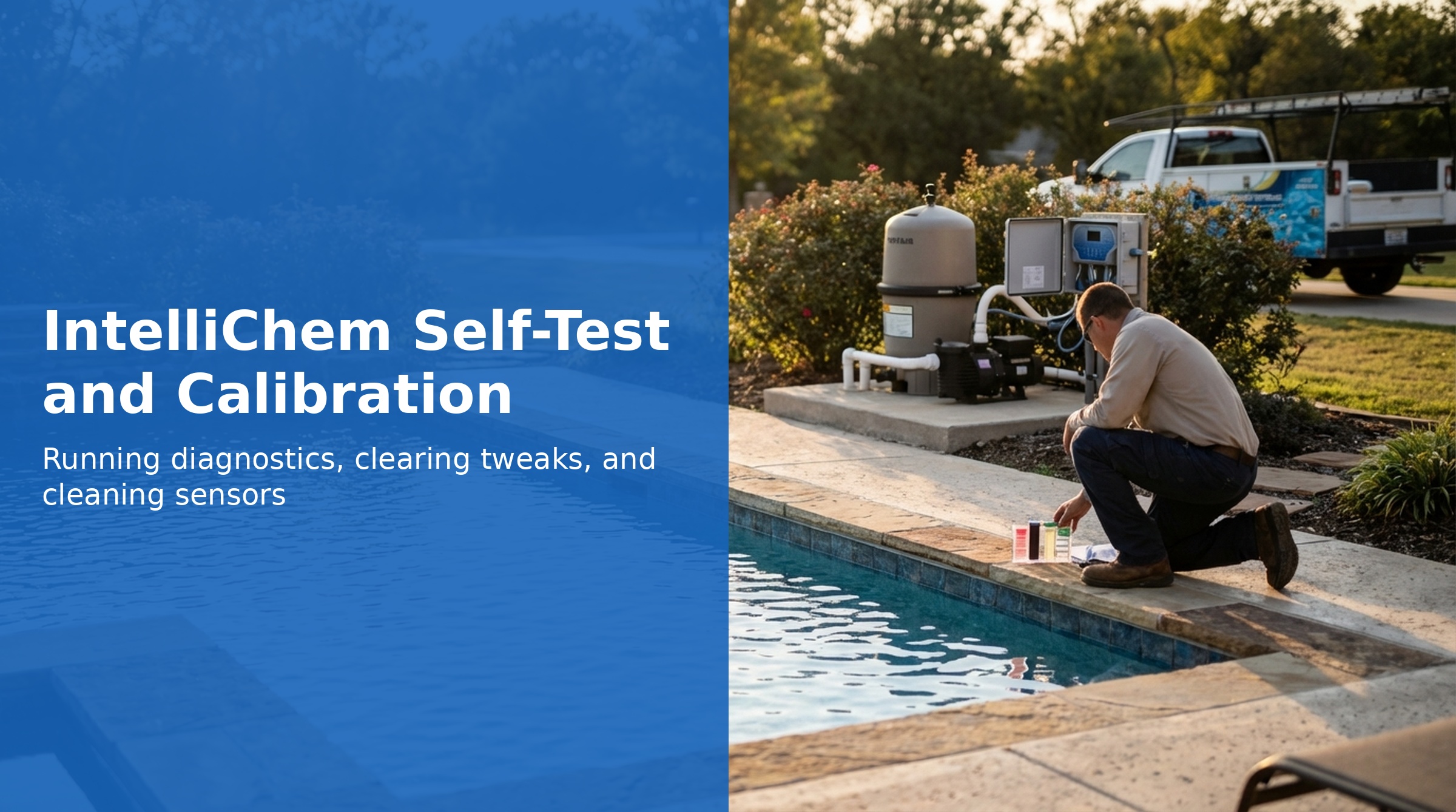
The IntelliChem includes a built-in Diagnostics menu with several tools for verifying sensor accuracy, testing hardware, and clearing calibration offsets. When chemical readings appear inaccurate or unreliable, the diagnostics menu is always the first stop — before replacing any parts.
This guide covers all Diagnostics menu functions, the Self-Test error code reference, the standard troubleshooting sequence from the Pentair manual, and step-by-step sensor cleaning and replacement procedures.
Diagnostics Menu
Access the Diagnostics menu by navigating to Configuration → Diagnostics on the IntelliChem display.
Meter Test
The Meter Test verifies the integrity of the pH and ORP sensing circuitry on the IntelliChem circuit board. The test runs briefly and displays *** PASS *** if the meter hardware is functioning correctly.
- PASS: Sensing circuitry is working — any reading inaccuracies are likely probe-related
- FAIL: The circuit board's sensing hardware has a problem — this is an internal electronics failure, not a probe problem. Run the Self Test and look for error code 80H.
Probe Test (Probe-Open Test)
A 30-second test that evaluates the signal inputs from the pH and ORP probes. It detects:
- Disconnected probes (probe cable unplugged from Flow Cell)
- Broken probes (internal break in the probe body)
- Shorted probes (internal short circuit)
Important limitation: The Probe Test cannot detect dirty or cracked probes. A probe that is contaminated with oils, scale, or algae may pass the Probe Test but still give inaccurate readings. Physical inspection and cleaning are required to diagnose this type of probe issue.
Clear Tweaks
The IntelliChem allows manual calibration offsets (called "Tweaks") to be applied to pH and ORP readings to account for probe drift or calibration differences. Clear Tweaks resets both offsets to 0.
Use this step whenever troubleshooting reading inaccuracies — an incorrect Tweak value applied by a previous technician can cause readings to be systematically wrong without any obvious fault displayed.
Self Test Sequence
A comprehensive test that exercises all IntelliChem hardware components. Important notes:
- Chemical dosing is paused during the Self Test sequence
- Results are displayed as hexadecimal error codes
- A result of 00H (all zeros) means all components passed
- If multiple components fail, the hex codes are summed
Self-Test Error Code Reference
| Hex Code | Failing Component | Next Steps |
|---|---|---|
| 01H | LCD display | Circuit board replacement likely required (P/N 521319Z) |
| 02H | Backlight | Circuit board replacement likely required (P/N 521319Z) |
| 04H | LEDs | Circuit board replacement likely required (P/N 521319Z) |
| 08H | Buttons | Check for stuck or debris-covered buttons; circuit board replacement if persistent |
| 10H | Flow Switch | Check flow switch wiring; inspect Flow Cell (P/N 754000310); verify pump is running |
| 20H | Outputs (dosers/relays) | Check doser wiring and connections; test manual dose; replace pump motor (P/N 521338Z) or pump head (P/N 521348Z) |
| 40H | Loopback RS-485 | RS-485 hardware failure — check wiring first; circuit board replacement if wiring checks out (P/N 521319Z) |
| 80H | Meter (pH/ORP sensing circuitry) | Internal meter failure — circuit board replacement required (P/N 521319Z) |
Example: A Self Test result of 90H means both 80H (Meter) and 10H (Flow Switch) failed simultaneously.
Standard Troubleshooting Sequence
When IntelliChem readings appear inaccurate or chemical dosing is not working correctly, follow this sequence from the Pentair manual before replacing parts:
- Run Meter Self-Test — confirms sensing circuitry is working
- Run Probe-Open Test — checks for disconnected, broken, or shorted probes
- Clear pH and ORP Tweaks — removes any incorrect manual offsets
- Clean the sensors — see cleaning procedure below
- Check chemicals and feed system — verify supply levels, doser operation, and tubing condition
- Take a water sample for independent analysis — test CYA, total alkalinity, and Saturation Index using a reagent kit or send to a lab
- Replace sensors — if cleaning did not resolve the issue (pH Sensor P/N 522186, ORP Sensor P/N 522187)
- Repeat steps as needed
Auto Calibration Failed
The display shows Auto Calibration...Failed when the IntelliChem's internal self-calibration routine cannot complete successfully. The most common cause is contamination inside the enclosure:
- Dirt or debris on the printed circuit board
- Condensation on the board
- Water leaking into the enclosure (from a roof leak, sprinkler hit, or installation issue)
Resolution: Open the enclosure and inspect the circuit board. If water, condensation, or debris is present, dry and clean the board thoroughly (with electronics-safe cleaner if needed), allow to dry completely, and power the unit back on. If the error persists after the board is clean and dry, the board may need replacement (P/N 521319Z).
Invalid EE CRC or Rev# — Memory Error
This error indicates a corruption of the IntelliChem's non-volatile memory (EEPROM). Try cycling power first — this often clears a transient memory error. If the error persists after power cycling, the options are:
- Reload firmware (if available and supported for your IntelliChem version)
- Replace the circuit board (P/N 521319Z)
Sensor Cleaning Procedure
pH Sensor Cleaning
- Turn off AC power to the IntelliChem at the GFCI switch
- Disconnect the pH probe connector from the Flow Cell
- Unscrew the pH probe from the Flow Cell
- Clean the reference junction (white ring at the bottom of the probe tip) with a soft toothbrush
- Apply a small amount of household liquid dish detergent to the probe tip and reference junction — this removes oils and biofilm
- Rinse thoroughly with fresh water
- If detergent is insufficient: Swirl the probe tip (only the tip — do not submerge the body) in a solution of 5 parts water to 1 part muriatic acid for 10–20 seconds. Remove immediately and rinse thoroughly with fresh water. This removes stubborn scale and deposits from the reference junction.
- Reinstall the probe and reconnect — allow 15–30 minutes for the probe to stabilize before evaluating readings
ORP Sensor Cleaning
- Turn off AC power to the IntelliChem at the GFCI switch
- Disconnect the ORP probe connector from the Flow Cell
- Unscrew the ORP probe from the Flow Cell
- Clean the reference junction (white ring at the bottom) with a soft toothbrush
- Use household liquid dish detergent to remove oils — rinse with fresh water
- Reinstall and reconnect
Note: Do not use the muriatic acid cleaning step on the ORP sensor — acid cleaning is for the pH sensor only.
After Cleaning
After reinstalling cleaned probes, allow the IntelliChem to run for at least 15–30 minutes before comparing readings to a test kit. Probes need time to equilibrate with pool water after cleaning.
Sensor Replacement
Replace sensors when cleaning does not resolve inaccurate or unstable readings. Signs a sensor needs replacement:
- Readings that drift continuously and don't stabilize
- Readings significantly different from independent test kit results even after cleaning
- Visible physical damage to the probe body or tip
- Probe fails the Probe-Open Test
Sensor Storage
If a probe is removed for more than 1 hour:
- Install the plastic storage cap (ships with new probes) over the probe tip, or
- Submerge the probe tip in a small container of clean water
- Do not allow probes to freeze
- Do not allow probes to dry out for extended periods — the reference junction must stay hydrated
Pump Head Annual Replacement
Pentair requires annual replacement of the dosing pump head (P/N 521348Z). The peristaltic pump head contains rubber tubing that fatigues, cracks, and hardens over time. Symptoms of a worn pump head:
- Reduced chemical delivery per dose cycle
- Inconsistent dosing amounts
- Chemical leaking from the pump head
- Dose limit alarms occurring more frequently than in previous seasons
Part Numbers
| Part | Part Number | Notes |
|---|---|---|
| pH Sensor | 522186 | Replace if cleaning insufficient |
| ORP Sensor | 522187 | Replace if cleaning insufficient |
| Flow Cell | 754000310 | Replace if flow switch fails |
| Circuit Board | 521319Z | For meter, RS-485, display, or memory failures |
| Pump Head | 521348Z | Replace annually |
| Pump Motor | 521338Z | Replace if motor fails |
| Top Half (lid with overlay) | 521465Z | |
| Circuit Breaker | 8520031Z | |
| Transformer | 521335Z |