
Pentair SuperFlo VS Pump Won't Start


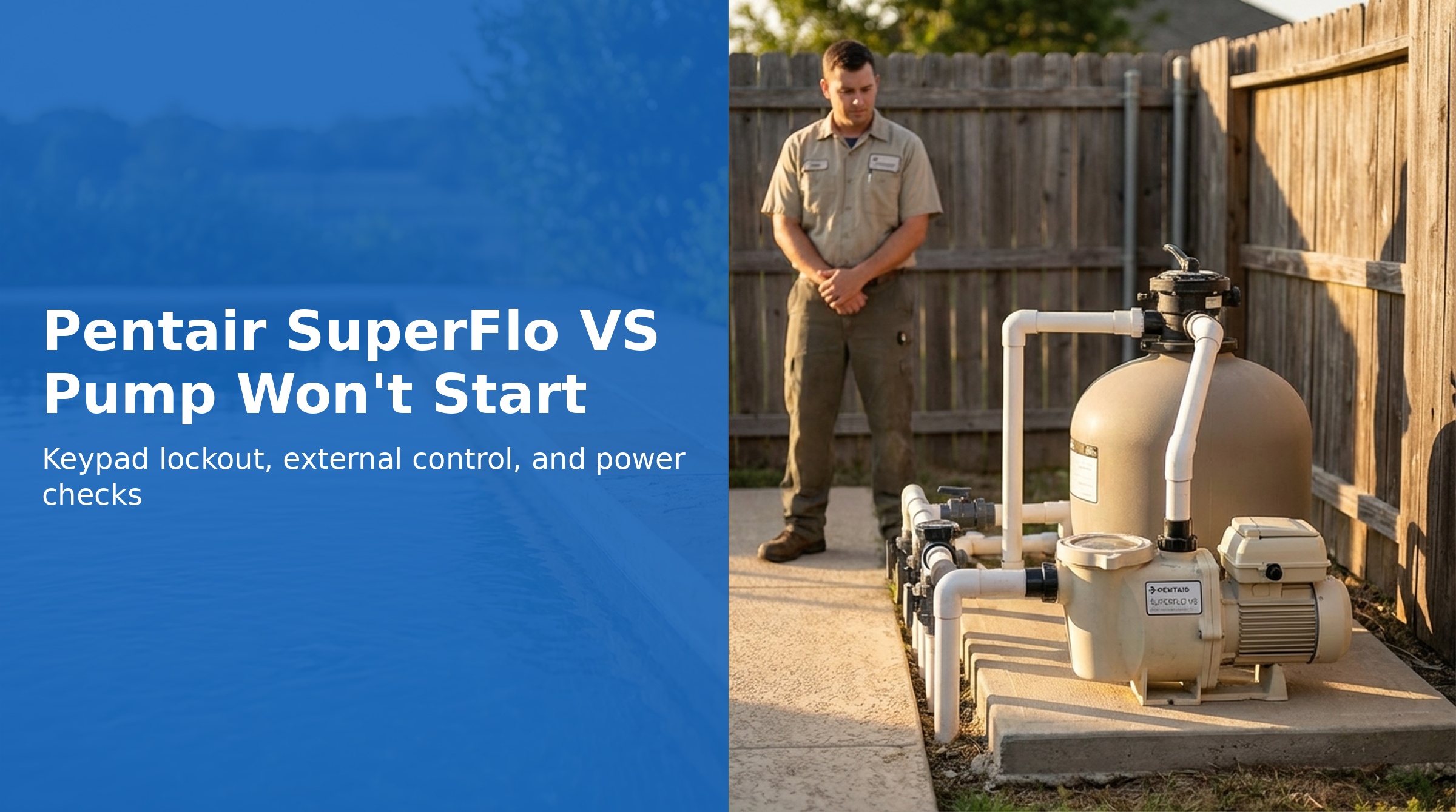
If your SuperFlo VS won't start, the cause is often simpler than a component failure. The pump has several programmatic states — keypad lockout, External Control Only mode, and Start/Stop LED requirements — that prevent it from running even when power is present.
This guide covers both programming issues and actual electrical/mechanical failures.
Quick Checks First
Is the Start/Stop LED Illuminated?
The pump will not run from any input — schedule, speed buttons, or external controls — unless the Start/Stop LED is lit. Press the Start/Stop button to turn on the LED before troubleshooting further.
Is the Keypad Locked?
When keypad lockout is active, the pump can be stopped but cannot be restarted until unlocked:
- Press and hold buttons 1 + Quick Clean simultaneously for 3 seconds
- "Loc OFF" displays if successful
- Press Start/Stop to restart
Is External Control Only Mode Active?
When this mode is active, the schedule is disabled and the pump only responds to external low-voltage inputs. The "Ext. Control Only" LED will be illuminated.
- Stop the pump (if running)
- Press and hold the Start/Stop button for 10 seconds
- The Ext. Control Only LED will turn off if mode is now deactivated
- Press Start/Stop to restart
Electrical Causes
No Power to Pump
- Check the circuit breaker — reset if tripped
- Test the GFCI if the circuit is GFCI-protected — press Reset button on GFCI
- Verify voltage at pump terminal block (should be 99–253V)
- Check all wiring connections for tightness at the pump and panel
Blown Fuse / Tripping Breaker
If the breaker repeatedly trips when the pump tries to start:
- Breaker may be undersized — check that it matches the pump's current draw (13.2A max at 115V)
- There may be a wiring short — consult an electrician
- Seized pump shaft can cause inrush current that trips breaker — see mechanical causes below
Mechanical Causes
Seized Pump Shaft
The pump shaft may be locked by debris in the impeller or a seized bearing:
- Turn off power at breaker — wait for LEDs to go out
- Look through the see-through lid — check if impeller is obstructed
- Try to rotate the impeller by hand (can sometimes be done through the lid)
- If shaft is seized, disassemble and clean impeller per the Fault 1A guide
Damaged Shaft
If the motor shaft is bent or broken, the pump requires replacement. This is uncommon but can result from running dry for extended periods or physical impact.
Schedule Not Running
If the pump appears to have power but isn't running at the scheduled time:
Clock Not Set
A blinking clock display means the time has not been set (or was lost during a power outage >24 hours):
- Press and hold the Display button for 3 seconds
- Choose 12 or 24 hour format with +/− arrows
- Press Display to advance, then set the correct time
- Press Display again to exit — clock stops blinking
All Speeds Set to 0 RPM
If any Speed is programmed to 0 RPM, the pump remains stationary during that speed's duration. Check your Speed 1, 2, and 3 programming by pressing each speed button and cycling through the settings.
Schedule Duration Check
The pump only runs for the total duration programmed across Speed 1 + Speed 2 + Speed 3. Any remaining time in the 24-hour period is idle time. If total programmed duration is less than 24 hours, the pump will sit idle for the unprogrammed portion.
After Any Service Work
Remember: after any power interruption or reset, the pump will not run until the Start/Stop button is pressed and its LED is illuminated. This is by design — the pump requires explicit user confirmation to run after a power loss.